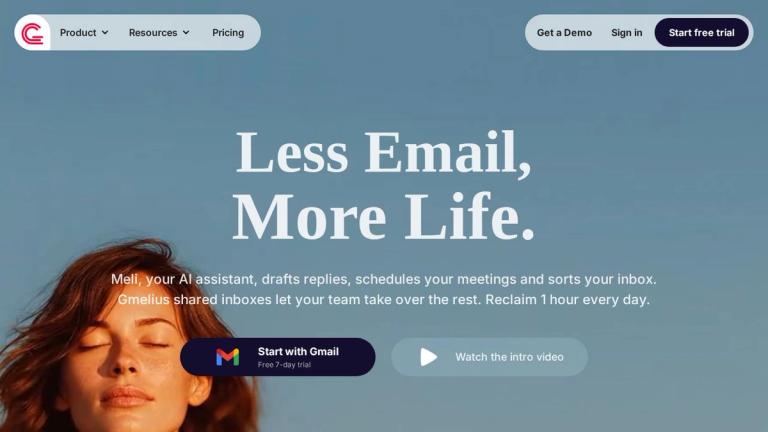
Our AI Assistants sort your emails and draft replies, while Gmelius shared inboxes help your team take over conversations so you don't have to. Start for free.
Features
- Meli AI Executive Assistant — A 24/7 AI assistant powered by Google's Gemini models that drafts email replies in your tone, sorts and classifies incoming emails, schedules meetings, plans your day, dispatches emails to the right teammates, and follows up on threads automatically. Meli learns from thousands of your past emails to provide contextually relevant responses.
- Shared Inboxes for Gmail — Manage group email addresses like support@, billing@, or hr@ directly from your personal Gmail account. Assign conversations in one click, collaborate on drafts with comments and @mentions, and eliminate the need for separate help desk tools or cluttered Google Groups.
- Shared Gmail Labels & Real-Time Sync — Synchronize email conversations across your entire team by sharing Gmail labels and sub-labels. Centralize invoices, projects, and client threads so everyone sees the same view, updated live—eliminating 'did you see that email?' messages.
- Automation Rules & Agents — Automate email operations with round-robin assignment, SLA tracking, auto-responses, and intelligent routing. Connect Gmelius to Slack, Salesforce, or any tool to ensure the right email reaches the right person with the right context without manual triaging.
- Email Analytics Dashboard — Track response times, email volume, team workload, and conversation trends from a dashboard built directly into Gmail. Identify bottlenecks before they become problems and make data-driven decisions based on measurable metrics like resolution rates and individual performance.
- Email Collaboration Tools — A comprehensive suite including shared email drafts for collaborative writing, email notes and @mentions for real-time chat on emails, email delegation without forwarding or Bcc chains, email templates to save hours on repetitive responses, and email permalinks for sharing private conversation links.
Use Cases
Customer Support Team Management
Support teams managing high-volume shared inboxes like support@ use Gmelius to assign conversations to agents, track SLAs, collaborate on complex replies with internal notes, and leverage AI to draft initial responses. The French Red Cross uses 8,000 shared inboxes to serve 40,000 staff and volunteers, demonstrating enterprise-scale capability. Target Audience: Customer support managers, help desk teams, and organizations handling large volumes of group emails
Sales & Account Management Collaboration
Sales teams use Gmelius to share Gmail labels for organizing client conversations by account or deal stage, collaborate on email drafts before sending to prospects, set up automated follow-up reminders, and track response times to ensure no lead falls through the cracks. Meli AI drafts personalized replies based on past conversation context. Target Audience: Sales teams, account managers, and business development professionals managing client relationships via email
Cross-Department Email Operations
HR, finance, and operations teams use Gmelius to manage department-specific shared inboxes (hr@, invoices@, info@) with automated routing rules that dispatch emails to the right person. Analytics dashboards provide visibility into team workload and response performance across departments. Target Audience: HR departments, finance teams, operations managers, and administrative professionals handling organizational email workflows
Executive Email Productivity
Busy executives and managers use Meli AI to reclaim an hour daily by having the assistant draft replies, sort incoming emails by priority, schedule meetings automatically, plan their day with conversation summaries, and track follow-ups—turning a 3-hour daily inbox time into 2 hours. Target Audience: C-suite executives, managers, and professionals spending significant time on email who want AI-powered productivity gains
Pros
- Works directly inside Gmail—no need to switch to a separate app or learn new software, reducing adoption friction for teams already using Google Workspace
- AI-powered by Google's Gemini models with strong privacy guarantees: data is never used to train AI models, backed by Swiss privacy standards and Privacy-by-Design framework
- Comprehensive feature set combining AI automation (drafting, sorting, scheduling, dispatching) with team collaboration (shared inboxes, labels, notes, delegation) in one platform
- Proven at scale with 10,000+ teams and enterprise customers like the French Red Cross, plus Y Combinator backing (S19) and continuous innovation since 2017
- Free 7-day trial available with a free tier option, allowing teams to test the platform before committing to paid plans
Cons
- Primarily Gmail and Google Workspace focused—Outlook support is currently on a waitlist, limiting options for organizations using Microsoft 365 or other email providers
- AI features depend on Google's Gemini models, meaning organizations with strict data sovereignty requirements outside Google's infrastructure may have concerns
- Full team collaboration features likely require paid plans, which could be costly for larger teams needing shared inboxes, analytics, and automation at scale
- Learning curve for teams to fully adopt advanced features like automation rules, shared labels workflows, and analytics dashboards despite the Gmail-native interface