Locofy.ai
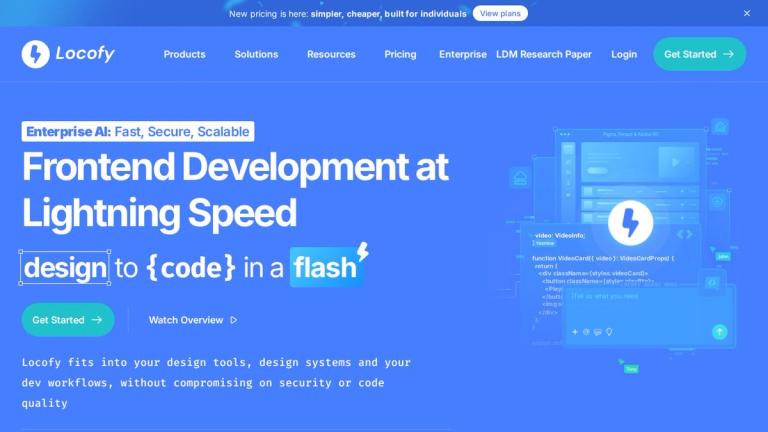
Locofy.ai is an AI-powered frontend development tool that transforms design files into production-ready code. It bridges the gap between designers and developers by automatically converting designs from popular design tools like Figma, Penpot, and Adobe XD into clean, maintainable code for various frameworks.
Key Capabilities
Design Tool Support
- Figma to Code: Convert Figma designs to React, React Native, Flutter, HTML/CSS, Next.js, Gatsby, Vue, and Angular
- Penpot to Code: Convert Penpot designs to the same frameworks (mobile support coming soon)
- Adobe XD to Code: Convert Adobe XD designs to multiple frameworks
LLM Integrations
Locofy integrates with AI code editors through MCP (Model Context Protocol):
- Gemini CLI
- Cursor
- GitHub Copilot
- Windsurf
- Claude Desktop
Developer Tools
- VS Code Extension: Work directly in your preferred code editor
- GitHub Integration: Sync and deploy your code seamlessly
Use Cases
- Build Mobile Apps (React Native, Flutter)
- Build Web Apps (React, Next.js, Vue, Angular)
- Build Websites (HTML/CSS, Gatsby)
- Build Portfolio Websites
The platform is designed to accelerate frontend development workflows, enabling designers and developers to go from design to deployable code in a fraction of the time.
Target Audience
Frontend developers, UI/UX designers, design agencies, startups, and individuals looking to accelerate design-to-code workflows.
Key Features
- Figma to code conversion
- Penpot to code conversion
- Adobe XD to code conversion
- React/Next.js/Vue/Angular code generation
- React Native and Flutter mobile code generation
- HTML/CSS code generation
- LLM integrations with AI code editors
- MCP support for Cursor, GitHub Copilot, Windsurf, Claude Desktop
- VS Code Extension
- GitHub sync and deployment
Use Cases
- Convert Figma designs to React components
- Build mobile apps from design files using React Native or Flutter
- Generate responsive websites from design mockups
- Create portfolio websites from designs
- Accelerate frontend development workflows
- Bridge design-to-code handoff for teams
Pros
- Supports multiple design tools (Figma, Penpot, Adobe XD)
- Wide range of output frameworks for web and mobile
- Integrates with popular AI code editors
- VS Code extension for seamless workflow
- GitHub integration for easy deployment
- New simplified pricing for individuals
Cons
- Penpot mobile support still coming soon
- Quality of generated code may vary by design complexity
- May require manual refinement for production-ready code
Pricing
New pricing announced as "simpler, cheaper, built for individuals" - specific plan details available on their pricing page.