Read Easy.ai
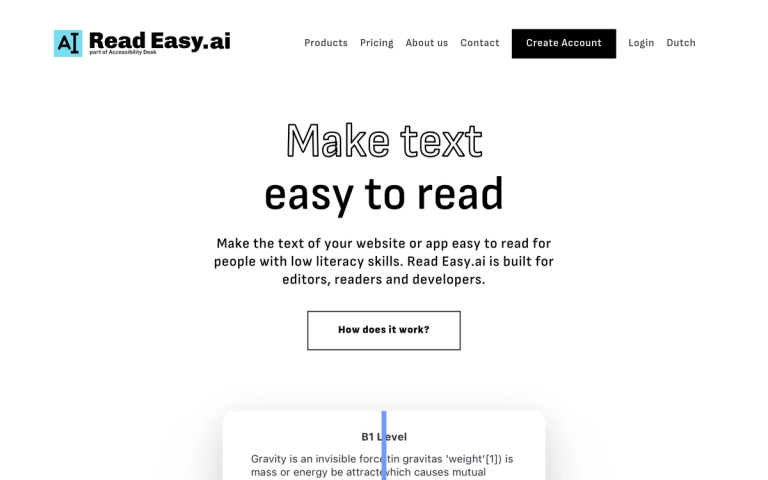
Read Easy.ai is an accessibility-focused text analysis platform designed to make written content easier to read and understand for people with low literacy levels, reading disabilities, or dyslexia.
The Problem
In the United States, 54% of adults have a literacy level below that of a sixth-grader, and in Europe, roughly 20 to 25% of the population is considered functionally illiterate. This creates a significant barrier to accessing information.
The Solution
Read Easy.ai provides tools for three key user groups:
For Readers
A cutting-edge Chrome plugin that enhances text comprehension, making understanding written content effortless for individuals with low literacy levels.
For Editors
A Microsoft Word extension that allows editors to check if their text is simple enough for people with reading disabilities. It provides feedback on which words or sentences need to be changed and explains why they are too difficult.
For Developers
A powerful Developer API that brings readability analysis, multilingual support, and dyslexia-focused optimization to custom applications. Compatible with React, React Native, Swift, Vue.js, WordPress, and Shopify.
Multilingual Support
The platform supports multiple languages including English, Spanish, German, Dutch, and Portuguese.
Target Audience
Website editors, content creators, developers building accessible applications, organizations prioritizing digital accessibility, educators, and publishers.
Key Features
- Readability level analysis (B1-C2 scale)
- Chrome browser plugin for readers
- Microsoft Word extension for editors
- Developer API for custom integration
- Multilingual support (English, Spanish, German, Dutch, Portuguese)
- Dyslexia-focused text optimization
- Sentence simplification suggestions
- Word difficulty feedback
- Compatible with React, Vue.js, Swift, WordPress, Shopify
Use Cases
- Website accessibility improvement
- Content editing for low-literacy audiences
- Educational material simplification
- App development with readability features
- Corporate communications accessibility
- Publishing and editorial workflows
Pros
- Addresses real accessibility needs for millions of users
- Multiple integration options (browser, Word, API)
- Supports several major languages
- Actionable feedback for editors
- Developer-friendly with broad platform compatibility
Cons
- Limited language support compared to some competitors
- May oversimplify technical content
- Chrome-only browser extension
Pricing
Not explicitly stated on the webpage; contact for pricing details.