Wiz Attendant
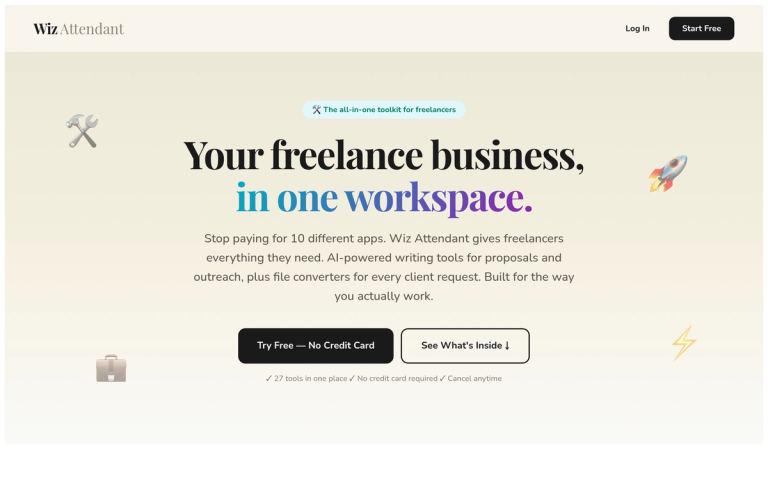
Wiz Attendant is a comprehensive productivity platform designed specifically for freelancers, consolidating 27 essential tools into a single workspace. The platform addresses a common pain point among independent professionals: the need to juggle multiple subscriptions and applications for everyday tasks.
The Problem It Solves
Freelancers typically spend $200+/month on various tools like ChatGPT, Canva, Convertio, Adobe, Grammarly, and more. This fragmented approach leads to:
- Constant context switching between apps
- Hours lost to repetitive busywork
- Mounting subscription costs for tools used only a few times weekly
Three Core Toolkits
Wiz Attendant organizes its functionality into three intuitive toolkits:
Business Tools cover day-to-day operations including cover letter writing, email rewriting, meeting notes summarization, performance reviews, job descriptions, and SOP documentation.
Freelance Tools focus on client acquisition and retention with proposal writing, cold outreach, job applications, follow-up messages, bio generation, social media posts, and URL analysis.
File Converters handle every format request including PDF conversions, image manipulation (resize, compress, format conversion), CSV/Excel conversion, and media format tools.
The platform offers flexible pricing starting with a free tier, making it accessible for freelancers at any stage of their career.
Target Audience
Freelancers, independent contractors, solopreneurs, and small business owners who need versatile writing, communication, and file conversion tools without managing multiple subscriptions.
Key Features
- 27 tools in one unified workspace
- AI-powered writing tools for proposals, outreach, and communications
- Comprehensive file converter suite (PDF, images, documents, media)
- Smart Reply generator for client communications
- Image resizer and compressor for client deliverables
- Bio and social media post generators
- Cold outreach and follow-up message tools
- URL analyzer for client research
- Multiple output tone options for written content
- No credit card required to start
Use Cases
- Responding to potential client inquiries with polished proposals
- Converting client files between formats (PDF, images, CSV, Excel)
- Writing and sending cold outreach messages to prospects
- Creating social media content for personal marketing
- Generating job applications for freelance platforms like Upwork
- Compressing and resizing images for client deliverables
- Following up with silent or inactive clients
- Refreshing LinkedIn bios and professional profiles
Pros
- Replaces $200+/month in separate subscriptions with one tool
- Generous free tier with access to all tools
- Intuitive organization around freelancer workflows
- Cancel-anytime policy with no long-term commitments
- Saves significant time on repetitive tasks
- Covers both AI writing and file conversion needs
Cons
- Generation limits on lower-tier plans
- May not replace specialized tools for advanced use cases
- No offline functionality mentioned
Pricing
Free: $0 (3 generations/day) | Starter: $9/mo (100 generations) | Pro: $19/mo (500 generations, most popular) | Business: $49/mo (unlimited generations). All plans include access to every tool.