Recast Studio
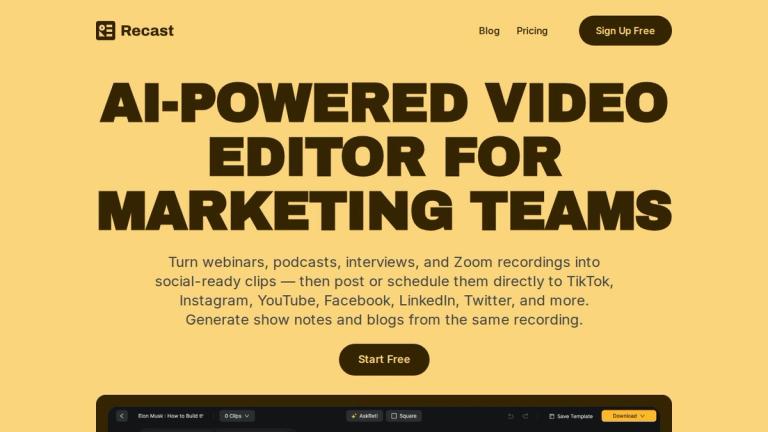
Recast Studio is an AI-powered video editing platform designed specifically for marketing teams and content creators. It transforms long-form recordings — including webinars, podcasts, interviews, and Zoom calls — into bite-sized, social-ready clips, audiograms, and written content.
What Makes It Different
Unlike traditional video editing tools that require complex timelines and technical skills, Recast Studio uses a transcript-based editing approach. Users simply highlight text in the transcript to keep, and the AI automatically cuts the video accordingly. This makes video editing as intuitive as editing a document.
Key Capabilities
- One Recording → Every Channel: Upload a single recording and Recast AI generates clips, audiograms, blog drafts, show notes, LinkedIn posts, and email copy — all from the same source material.
- Direct Social Publishing: Connect TikTok, Instagram, YouTube, Facebook, LinkedIn, Twitter, and more. Post immediately or schedule content without leaving the platform.
- AI-Powered Editing: Features include auto-reframe for face detection, automatic filler word and pause removal, and accurate transcription in 20+ languages.
- Team Collaboration: Built-in workspace for teams to share videos, leave feedback, and manage projects together.
Workflow Transformation
Recast Studio replaces fragmented tool stacks with a single workflow, reducing content production time from days to minutes and significantly cutting costs compared to traditional video editing workflows.
Target Audience
Marketing teams, podcasters, content creators, and social media managers who need to repurpose long-form video/audio into multi-platform social content.
Key Features
- Transcript-based video editing — edit video by editing text
- Auto Reframe with AI face and scene detection
- AI Filler Word & Pause Removal
- Direct social media publishing and scheduling to 7+ platforms
- Generate blog drafts, show notes, and written content from recordings
- Accurate AI transcription in 20+ languages
- Team Workspace for collaboration
- Brand customization — logos, fonts, b-rolls, music
- Channel-ready format exports
- Audiogram creation
Use Cases
- Marketing teams repurposing webinars and long videos into social content
- Podcasters creating clips and audiograms from episodes
- Content creators generating multiple assets from a single recording
- Social media managers scheduling and publishing content across platforms
- Teams collaborating on video content production
- Generating written content (blogs, show notes, emails) from video/audio
Pros
- Intuitive transcript-based editing requires no video editing skills
- All-in-one workflow replaces multiple fragmented tools
- Direct publishing to major social platforms saves time
- AI-powered features like auto-reframe and filler word removal
- Supports 20+ languages for transcription
- Team collaboration built in
- Significantly reduces content production time and costs
Cons
- AI-generated clips may still need manual review for quality
- Dependent on AI transcription accuracy
- May have limitations for highly complex video editing needs
Pricing
Free trial available; paid plans for teams (specific pricing not listed on page)