
Updated October 15, 2026. Prices were checked on each vendor's pricing page that day (per user per month, billed annually, unless noted). We did not run our own recorded meetings for this guide; user experience is credited to G2 and Reddit.
This guide is about meeting notes: the summary, decisions and action items you actually read and share after a call. If you need a word-for-word record, see our AI meeting transcription guide. For a broader comparison of assistants (CRM sync, analytics, coaching), see the best AI meeting assistants.
TL;DR
- Best notes you write with AI: Granola. You type a few bullets, it fills in the rest from the audio, with no bot in the call.
- Best for team notes, agendas and action items: Fellow, which links notes to recurring meeting agendas.
- Best free automatic notes: Fathom, with unlimited recordings and AI summaries on the free plan.
- Best when notes must go to a CRM or Slack: Fireflies.ai.
- Best for live notes during the call: Otter.ai.
- Already on Zoom? Zoom AI Companion's summaries come with paid Zoom plans.
AI meeting notes tools at a glance
| # | Tool | Notes style | Bot-free | Free plan | Paid from |
|---|---|---|---|---|---|
| 1 | Granola | Your notes + AI enhancement | Yes | Basic | $14 (Business) |
| 2 | Fellow | Agenda-linked team notes | No | Yes | $7 (Team) |
| 3 | Fathom | Automatic summary + action items | Beta | Unlimited | $16 (Premium) |
| 4 | Fireflies.ai | Summary pushed to apps/CRM | Extension | Limited AI summaries | $10 (Pro) |
| 5 | Otter.ai | Live notes, highlights, slides | Desktop | 300 min/mo | $8.33 (Pro) |
| 6 | tl;dv | Note templates + clips | No | 10 AI notes | $18 (Pro) |
| 7 | Bluedot | Bot-free notes via Chrome/desktop | Yes | 5 meetings lifetime | $14 (Basic) |
| 8 | Krisp | Notes + noise cancellation | Yes | Trial | $8 (Core) |
| 9 | Tactiq | Notes from live captions | Yes | Yes | $8 (Pro) |
| 10 | Zoom AI Companion | In-Zoom summaries | Built-in | With paid Zoom | Included in paid Zoom plans |
How we chose
We picked tools whose main output is readable notes, not just transcripts or sales analytics. We checked each vendor's official pricing and feature pages, G2 ratings where available, and Reddit discussions about note quality. We ranked on note quality as reported by users, how notes get shared, bot-free options, and price.
1. Granola: best for notes you shape yourself
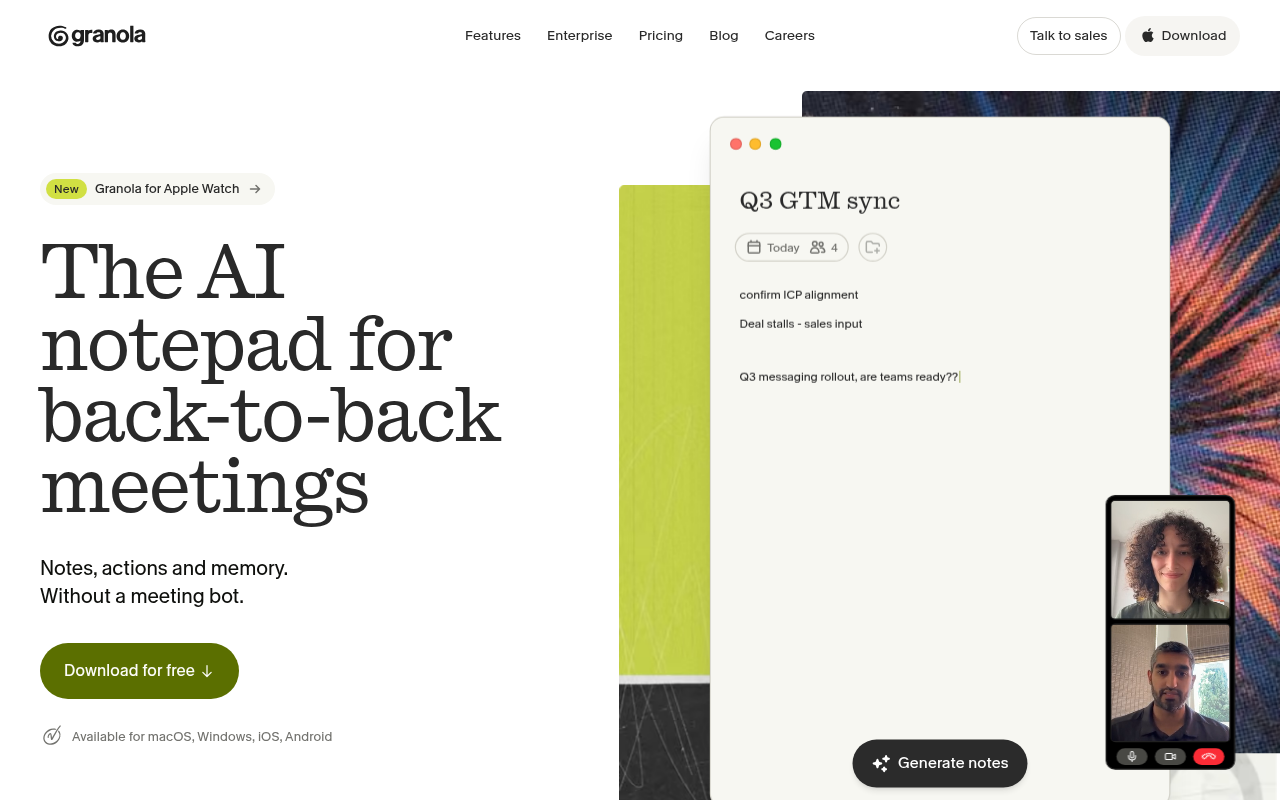
Granola works like a notepad. You jot rough bullets during the call, and it merges them with the audio into clean notes. No bot joins the meeting. Reddit users often describe it as "the most natural during meetings" and less intrusive than bots.
- Pricing: Basic $0; Business $14; Enterprise $35. You can opt out of model training.
- Pros: notes keep your own priorities; no bot; MCP/API on paid plans.
- Cons: desktop app required; speaker separation on large calls is weaker than bot-based tools, according to one comparison review.
- Best for: consultants, founders and managers in back-to-back calls.
2. Fellow: best for team notes and agendas
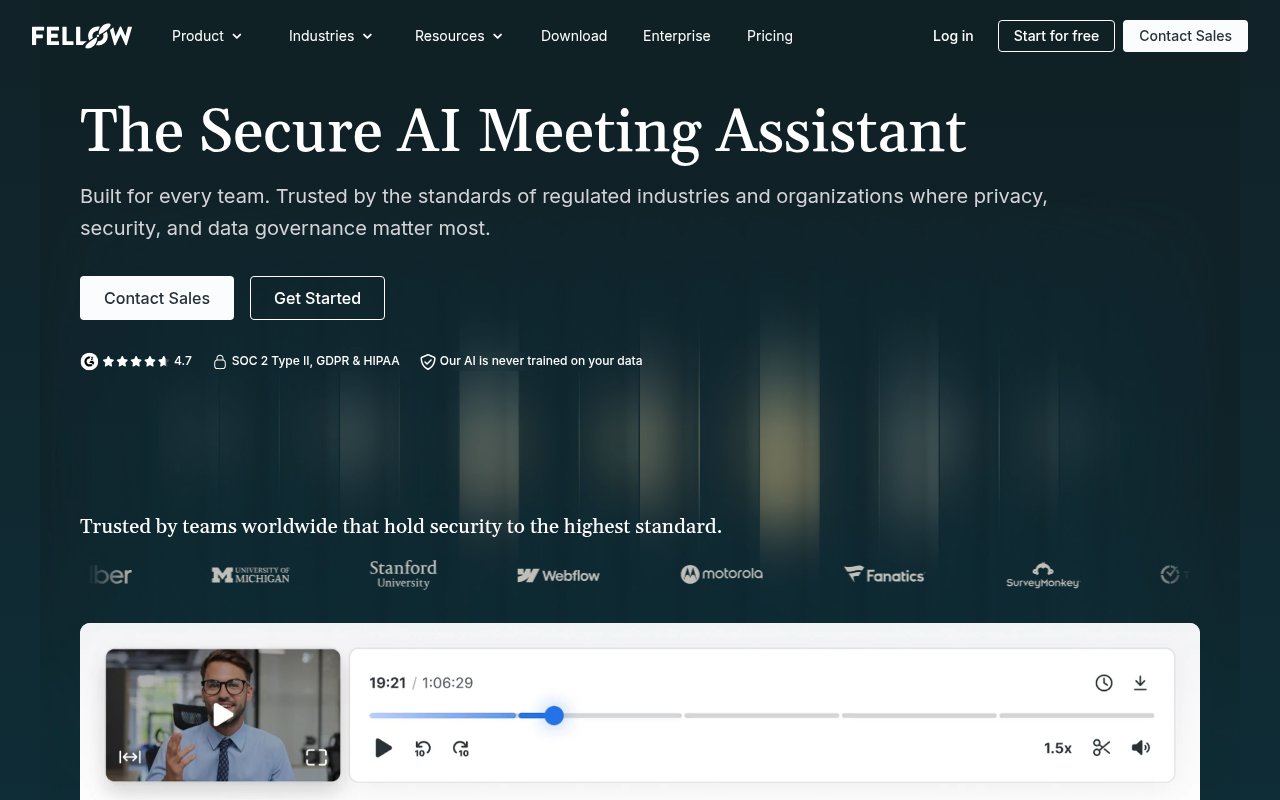
Fellow connects AI notes to shared agendas and action items across recurring meetings, so a 1:1 or weekly sync builds on the last one. Wirecutter's 2026 transcription review named Fellow its pick for turning meetings into notes.
- Pricing: Free; Team $7 ($11 monthly); Business $15 ($23 monthly); Enterprise $25.
- Pros: agendas, notes and tasks in one place; admin and compliance controls.
- Cons: less conversation analytics than sales tools.
- Best for: managers and teams with many recurring meetings.
3. Fathom: best free automatic notes
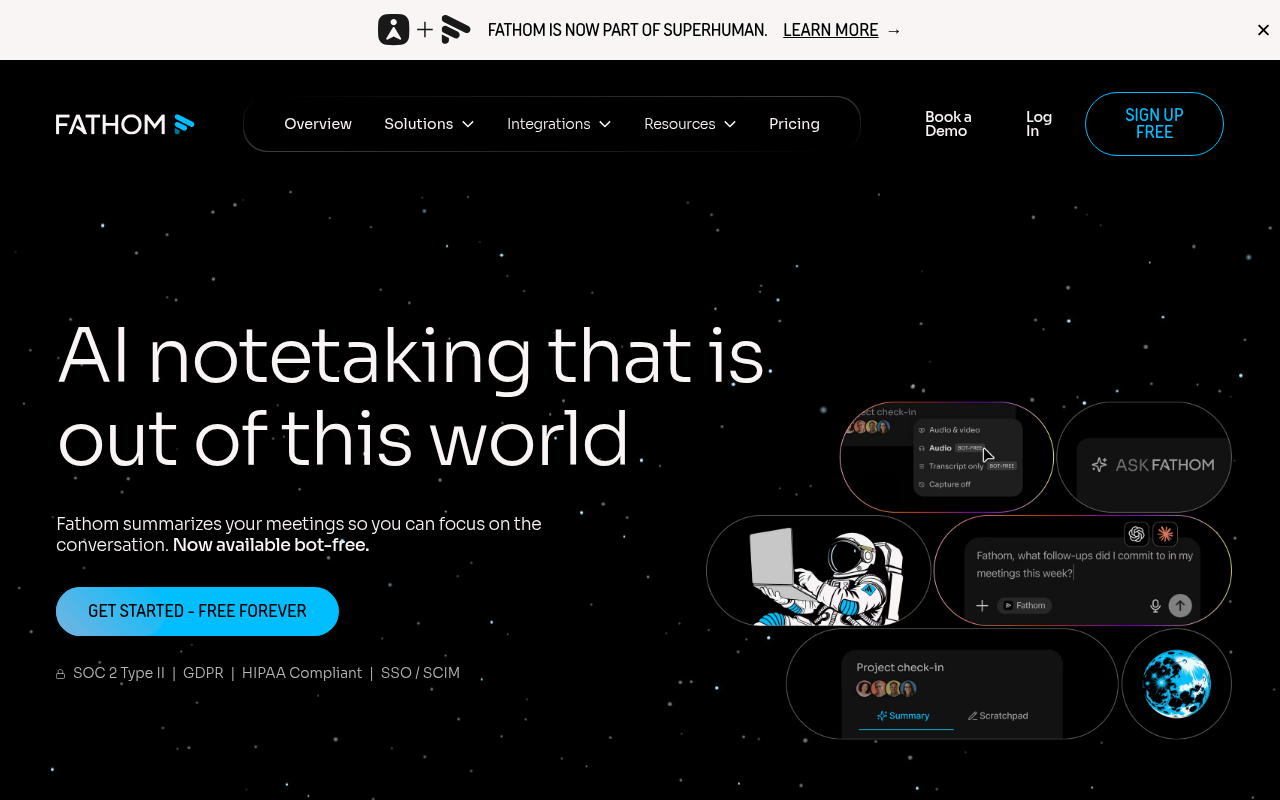
Fathom's free plan records and summarizes unlimited meetings. Advanced summaries and AI action items are on Premium. Fathom's website now says it is part of Superhuman.
- Pricing: Free; Premium $16 ($20 monthly); Team $15 per user (2-user minimum); Business $25.
- Pros: generous free tier; fast summaries; 5.0/5 on G2.
- Cons: best features are paid; the visible bot can be blocked.
- Best for: individuals and small teams on Zoom, Meet or Teams.
4. Fireflies.ai: best when notes must go somewhere
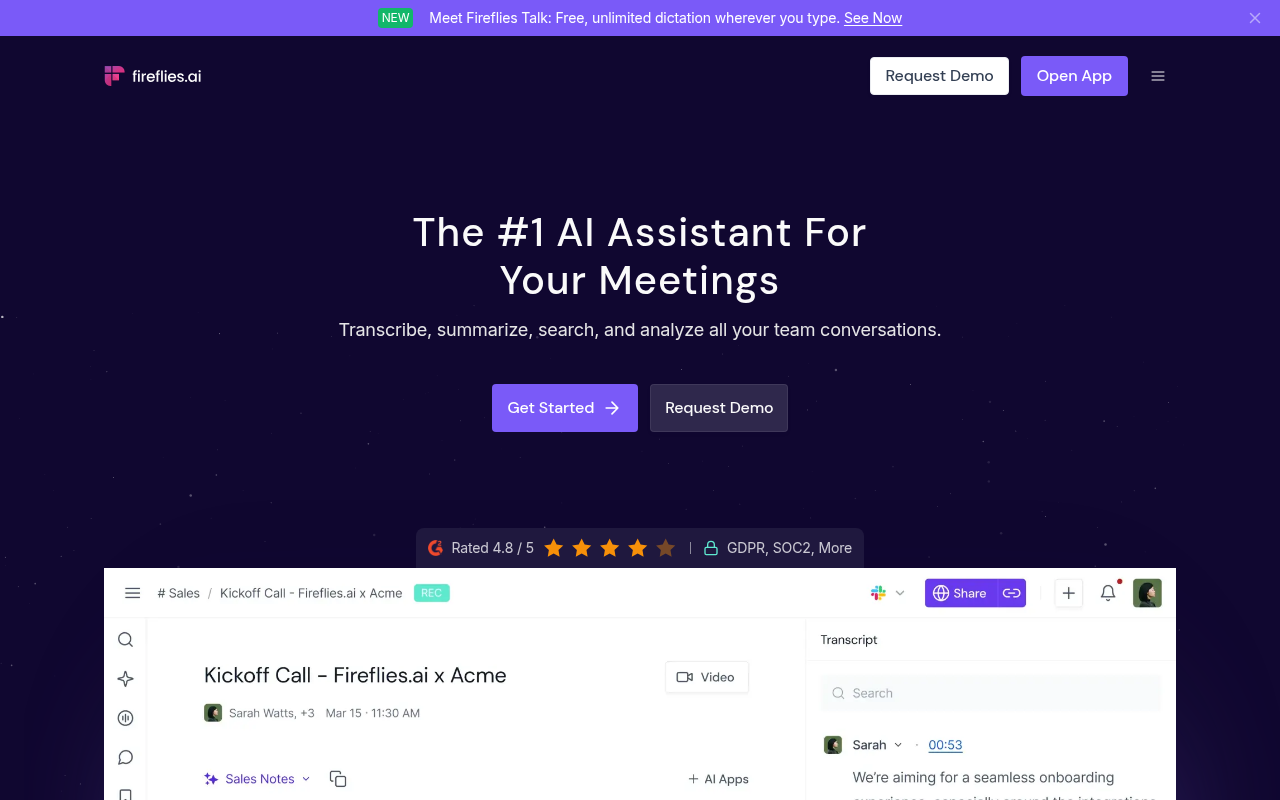
Fireflies writes summaries and pushes them into CRMs, Slack, Notion and project tools. Pro and above include unlimited AI summaries; AskFred and AI Skills use monthly credits.
- Pricing: Free (limited AI summaries); Pro $10; Business $19; Enterprise $39.
- Pros: 100+ languages; broad integrations; 4.8/5 on G2.
- Cons: credit-metered AI extras; some users find it "overbuilt."
- Best for: sales and operations teams.
5. Otter.ai: best for live notes
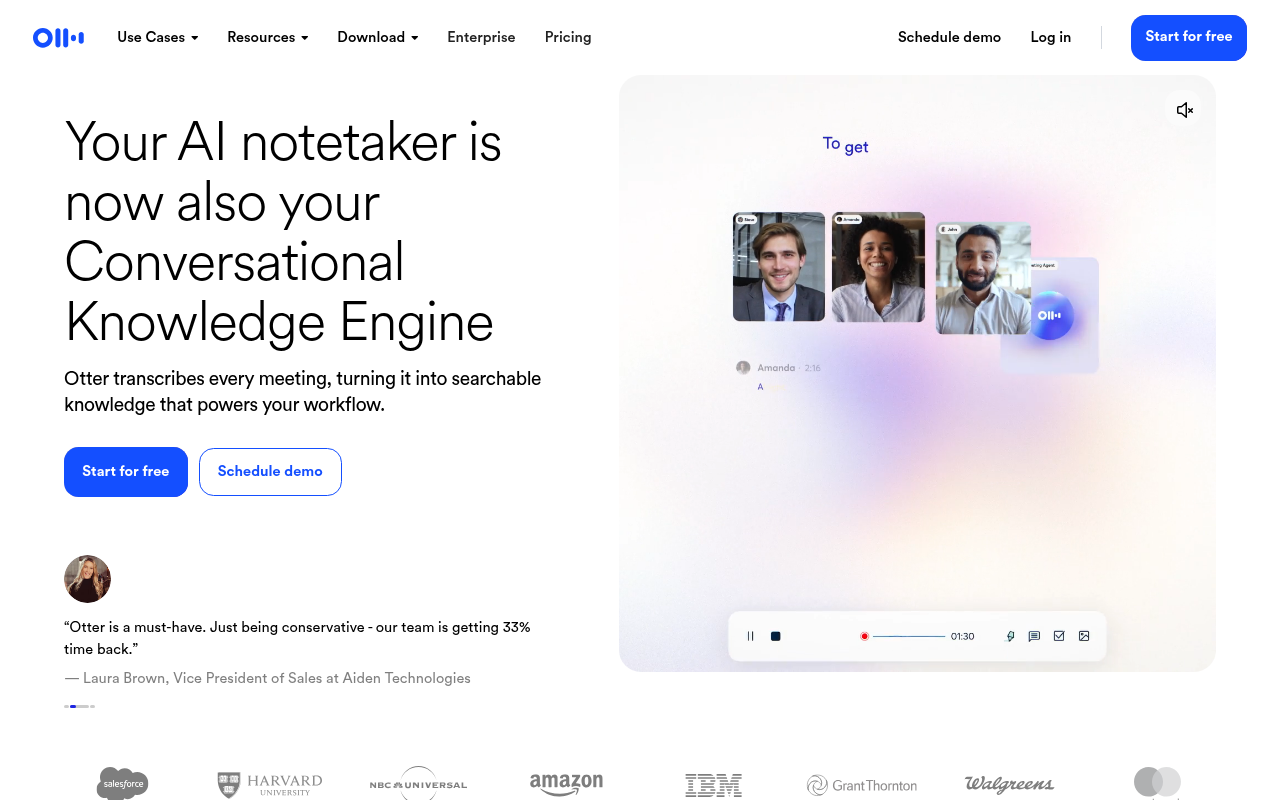
Otter shows notes and the transcript as the meeting happens. You can highlight lines, capture slides, and ask AI Chat questions later.
- Pricing: Basic free (300 min/month); Pro $8.33 (90 min per meeting); Business $30 monthly.
- Pros: live collaboration; good mobile apps; lowest annual Pro price.
- Cons: some Reddit users call its summaries "meh"; a privacy class action is pending.
- Best for: students, journalists and solo professionals.
6. tl;dv: best note templates for recurring calls
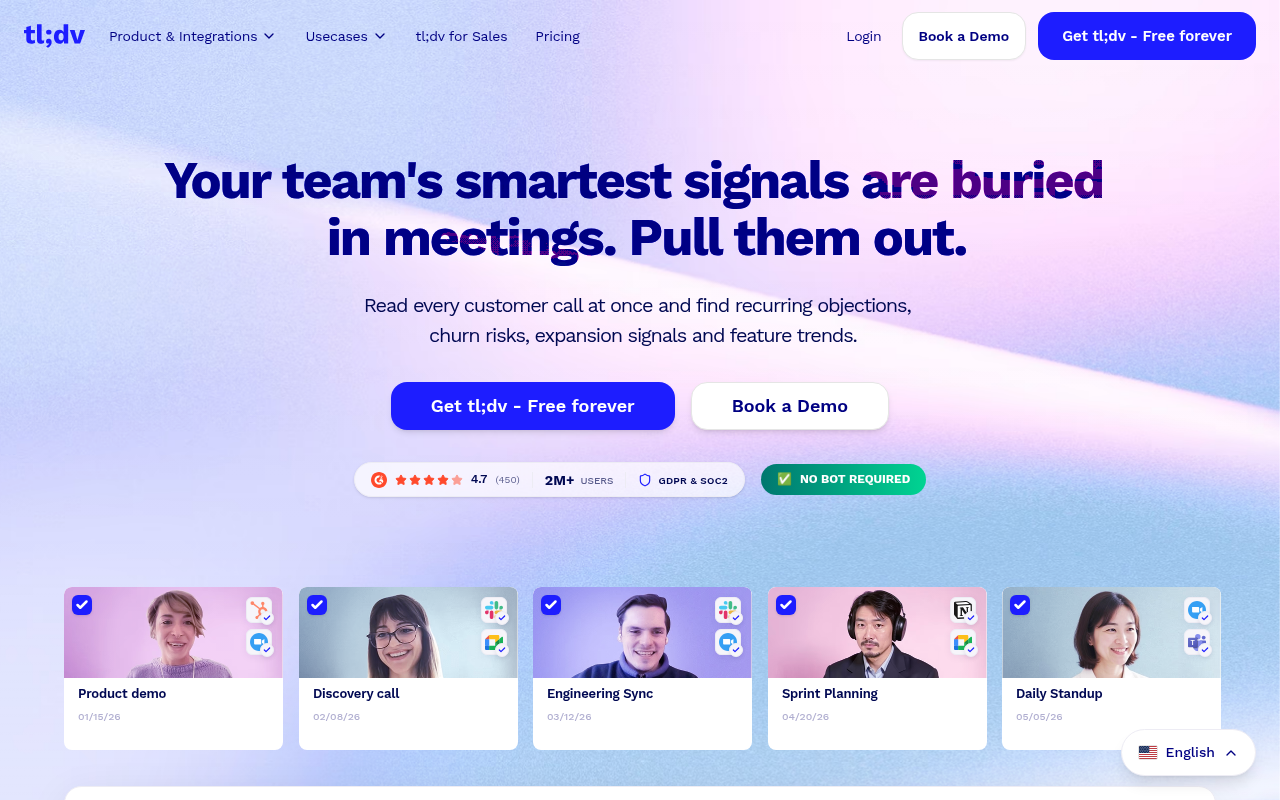
tl;dv applies note templates (for example sales discovery or standups) and creates clips of key moments.
- Pricing: Free (10 AI notes); Pro $18 ($29 monthly); Business $29.
- Pros: templates; clips; 30+ languages.
- Cons: the free plan's AI is very limited.
7. Bluedot: best bot-free notes on a budget
Bluedot records through a Chrome extension or desktop app, so no bot joins, and sends notes to Slack, Notion and more.
- Pricing: Free (5 meetings lifetime); Basic $14 (audio); Pro $20 (with video); Business $32.
- Best for: people who want bot-free notes across Meet, Zoom and Teams.
8. Krisp: notes plus noise cancellation
Krisp started as noise cancellation and now adds AI meeting notes and transcripts on the desktop, without a bot.
- Pricing: Core $8 ($16 monthly); Advanced $15 ($30 monthly).
- Best for: remote workers who also want cleaner audio.
9. Tactiq: notes from live captions
Tactiq turns browser meeting captions into notes and summaries, with no bot.
- Pricing: Free; Pro $8; Team $16.67; Business $29.17.
- Best for: Google Meet users who want lightweight notes.
10. Zoom AI Companion: notes inside Zoom
Zoom AI Companion produces meeting summaries and next steps inside Zoom, at no extra cost on paid Zoom plans. It only works in Zoom, so mixed-platform teams will still need a separate tool.
What good AI meeting notes look like
The useful test for any notetaker is whether someone who missed the meeting could act on the notes alone. Strong notes share five parts:
- Context line: meeting name, date, attendees and purpose in one or two lines.
- Decisions: what was agreed, written as statements ("We will launch the pilot with two clients in November"), not as discussion.
- Action items with owners and dates: "Priya: send revised pricing to Acme by Oct 22." An action item without an owner usually doesn't get done.
- Open questions: what is still unresolved and who is responsible for resolving it.
- Key context: a few bullets of reasoning, numbers or objections that someone needs to understand the decisions.
Here is a short example of the structure to aim for, whichever tool you use:
Weekly product sync, Oct 14. Attendees: Dana (PM), Leo (Eng), Priya (Sales) Decisions: Ship the export feature behind a flag on Oct 28. Delay the dashboard redesign to Q1. Action items: Leo: finish the CSV edge cases by Oct 21. Priya: confirm two pilot customers by Oct 18. Dana: update the roadmap doc today. Open questions: Do enterprise customers need XLSX as well as CSV? (Priya to ask Acme) Context: Two customers asked for export in September; the redesign depends on the new design system.
When you trial a tool, compare its output against this shape. Watch for three common failures, which users report across tools: action items with no owner, invented certainty (a "decision" that was only discussed), and summaries that repeat the conversation in order instead of grouping it by outcome.
Meeting notes templates you can use with these tools
Most tools here let you set a template (Fellow, tl;dv, Fireflies, Otter and Fathom on paid plans) or will follow instructions you add to the notes (Granola). These four cover most business meetings.
1:1 meeting template
- Wins since last time
- Blockers and support needed
- Feedback (both directions)
- Career or growth topic
- Action items (owner, date)
Daily standup template
- Per person: done yesterday, doing today, blocked by
- Cross-team dependencies
- Follow-ups after standup (owner)
Sales discovery call template
- Company and attendee roles
- Current process and pain points (in the customer's words)
- Budget, authority, need, timeline
- Competitors mentioned
- Agreed next step and date
Client kickoff template
- Goals and success metrics
- Scope in and out
- Stakeholders and approvers
- Milestones and dates
- Risks and assumptions
- Action items for both sides
Tip: keep templates short. A long template often makes the AI pad sections that weren't discussed. If a section is empty, the notes should say "not discussed" rather than invent content.
Workflow walkthroughs
Granola: a client call without a bot
- Install the desktop app and connect your calendar.
- When the call starts, open the meeting note and type only what matters to you, for example "pricing concern" or "wants case study".
- After the call, let Granola enhance the note. Your bullets stay as headings, and it fills in detail from the audio.
- Edit any action items, then share the note or copy it into your CRM or document.
- Tell participants you are taking AI-assisted notes, as your consent rules require.
Fellow: a recurring team meeting
- Create the recurring meeting with a shared agenda template.
- Teammates add topics before the meeting; the AI notetaker records during it.
- After the meeting, review the AI summary in the same note as the agenda.
- Assign action items in Fellow so they carry into next week's agenda automatically.
- Unfinished items show up at the next meeting, which keeps follow-up honest.
Fireflies: notes that land in Slack and your CRM
- Connect your calendar and choose which meetings the notetaker joins (turn off auto-join for external calls if consent is unclear).
- Connect Slack and your CRM (Pro and above include integrations).
- After each call, Fireflies posts the summary to a chosen Slack channel and logs notes to the matching CRM record.
- Use AskFred to ask follow-up questions about the call, keeping in mind that it uses monthly AI credits.
Fathom: free notes for a solo professional
- Sign up for the free plan and connect Zoom, Google Meet or Teams.
- Let the notetaker join, or try the bot-free beta.
- Highlight key moments during the call.
- Review the summary right after the call, then copy it into an email or your notes app.
Mistakes to avoid with AI meeting notes
- Sending notes without reading them. AI summaries can attribute statements to the wrong person or turn an idea into a decision. Spend two minutes checking before you share.
- Recording everything by default. Auto-join on every calendar event captures sensitive 1:1s and external calls. Set rules for which meetings get recorded.
- Keeping recordings forever. Set retention so audio and transcripts are deleted when no longer needed, especially for HR, legal or medical conversations.
- Using different tools across a team. Notes end up scattered. Pick one tool for shared meetings, even if individuals use another for their own calls.
How to choose an AI meeting notes tool
- Do you want to write notes, or receive them? Writers: Granola. Receivers: Fathom, Fireflies, Otter.
- Where should notes end up? Slack/CRM: Fireflies. Agendas and 1:1s: Fellow. Your own docs: Granola, Bluedot.
- Is a bot acceptable? If not: Granola, Bluedot, Krisp, Tactiq.
- How long are your meetings? Otter Pro stops at 90 minutes per meeting.
- Consent: announce any recording. Some states require every participant's consent.
Frequently asked questions
What is the best AI for meeting notes? For most people, Granola if you like to type alongside the AI, or Fathom if you want fully automatic notes for free. Teams with recurring meetings should look at Fellow.
Is there a free AI meeting notes app? Yes. Fathom's free plan has unlimited meetings, and Fellow, Tactiq, Otter (300 minutes a month) and Fireflies have free tiers.
Can AI take meeting notes without joining the call? Yes. Granola, Bluedot, Krisp and Tactiq capture without a bot attendee.
What's the difference between meeting notes and meeting minutes? Notes are an informal summary with action items. Minutes are a formal record of attendance, motions and decisions. Most of these tools produce notes you can edit into minutes.
How accurate are AI meeting notes? They are usually good at capturing topics and action items in clear audio, and weaker on who said what in large groups, on technical terms, and on separating decisions from discussion. Always review before sharing.
Can AI meeting notes integrate with Notion or Google Docs? Yes. Fireflies, Bluedot, tl;dv and others offer Notion or Google Docs integrations or Zapier workflows. Granola and Fathom let you copy or share notes directly.
Are AI meeting notes secure? Check each vendor's SOC 2 status, data retention controls, and whether your data is used to train models. Fireflies says it doesn't train on customer data, and Granola lets you opt out.
Do I need to tell people I'm using an AI notetaker? Yes, as good practice and often by law. Some US states require every participant's consent to record. Bot-free tools still record audio, so the same rules apply.
Related guides
Sources (accessed October 15, 2026)
- Granola pricing: https://granola.ai/pricing
- Fellow pricing: https://fellow.ai/pricing
- Fathom pricing: https://fathom.video/pricing
- Fireflies pricing: https://fireflies.ai/pricing
- Otter pricing: https://otter.ai/pricing
- tl;dv pricing: https://tldv.io/app/pricing/
- Bluedot pricing: https://www.bluedothq.com/pricing
- Krisp pricing: https://krisp.ai/pricing
- Tactiq pricing: https://tactiq.io/pricing
- Wirecutter, best transcription services: https://www.nytimes.com/wirecutter/reviews/best-transcription-services/
- AI Frontier Post, Otter vs Fireflies vs Granola: https://aifrontierpost.com/articles/ai-meeting-notetakers-compared/
- Reddit r/ArtificialNtelligence: https://www.reddit.com/r/ArtificialNtelligence/comments/1tavccz/
- Reddit r/NoteTaking: https://www.reddit.com/r/NoteTaking/comments/1trl22i/
- G2 Fireflies vs Otter: https://www.g2.com/compare/fireflies-ai-vs-otter-ai





