

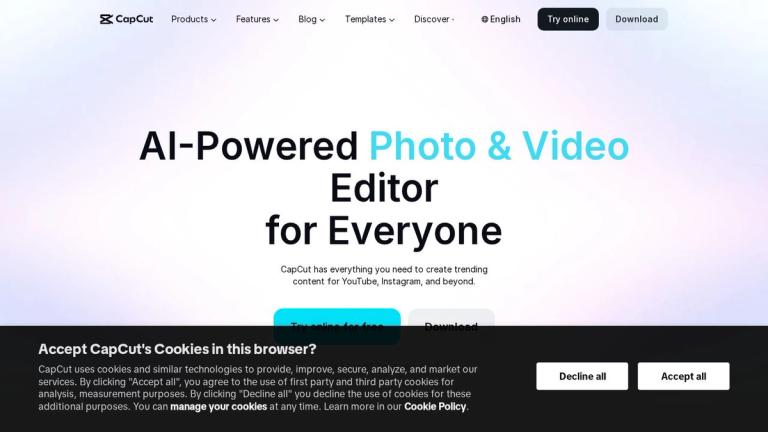
CapCut AI Video Editor
CapCut is a comprehensive AI-powered video editing platform developed by ByteDance (the parent company of TikTok). It offers a complete creative suite designed to make professional video editing accessible to everyone, from beginners to experienced content creators.
Multi-Platform Ecosystem
CapCut provides a versatile ecosystem of products to meet diverse creative needs:
- CapCut Desktop - A powerful desktop editing tool for professional-grade video production
- CapCut Online - A browser-based creative suite for quick edits without software installation
- CapCut Pad - Tablet-optimized editing for creating on the go
- CapCut Mobile - Mobile app with unlimited templates for smartphone content creation
- Dreamina AI - Specialized AI image and video generation tool
- Pippit AI - Smart creative agent for automated content creation
AI-Powered Capabilities
The platform leverages advanced artificial intelligence across multiple creative domains:
- AI Creation: Video generation, image generation, art generation, character creation, and design tools
- Text & Audio: Auto captions, speech recognition, text-to-speech, voice enhancement, and noise reduction
- Image Editing: Background removal, image enhancement, resizing, inpainting, and face cutout
- Video Editing: Background removal, quality enhancement, trimming, subtitle addition, and format conversion
Target Users
CapCut serves a wide range of creators including social media influencers, marketers, vloggers, educators, and businesses looking to produce engaging video content efficiently.
Target Audience
Social media creators, content marketers, vloggers, small businesses, educators, and anyone looking to create professional-quality video content with AI assistance.
Key Features
- AI video generation and editing
- Auto captions and speech recognition
- Text-to-speech with custom voices
- Image background removal
- Video background removal
- AI image and video enhancement
- AI art and character generation
- Voice enhancement and noise reduction
- Multi-platform support (Desktop, Online, Mobile, Pad)
- Extensive template library
- Image editing and manipulation tools
- Video format conversion
Use Cases
- Social media content creation
- Marketing and promotional videos
- Lifestyle and vlog production
- Custom design projects
- Educational content
- Business presentations
- Short-form video for TikTok, Instagram Reels, YouTube Shorts
- E-commerce product videos
Pros
- Free tier available with robust features
- AI-powered tools simplify complex editing tasks
- Multi-platform availability (desktop, web, mobile, tablet)
- Extensive template library for quick content creation
- User-friendly interface suitable for beginners
- Integrated AI tools for video, image, and audio editing
- Regular updates with new AI features
Cons
- Some advanced features require paid subscription
- Watermark on free tier exports
- Internet connection required for online version
- Processing power demands for AI features
Pricing
Free tier available with basic features; Pro subscription unlocks advanced AI tools, removes watermarks, and provides additional storage and export options.


