

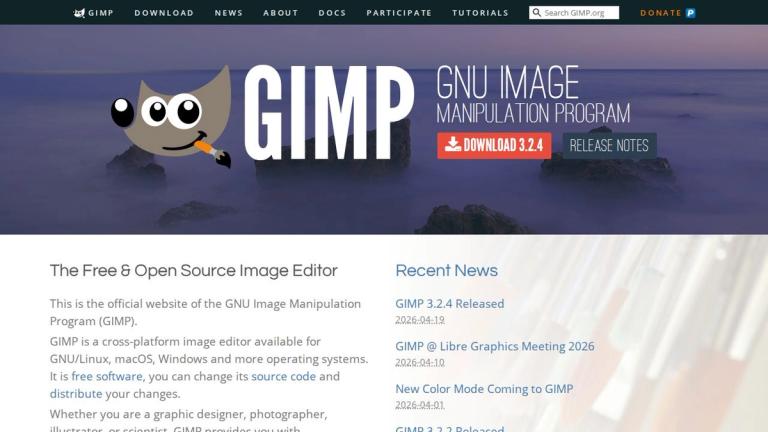
GIMP - GNU Image Manipulation Program
GIMP (GNU Image Manipulation Program) is a powerful, free, and open-source image editing software that has been serving the creative community for over 30 years. Available across multiple platforms including GNU/Linux, macOS, and Windows, GIMP provides sophisticated tools for graphic designers, photographers, illustrators, and scientists alike.
As free software licensed under the GPL, users have the freedom to access and modify the source code, fostering a vibrant community of contributors and developers. The software offers extensive customization options and supports third-party plugins, making it highly adaptable to various workflows.
GIMP excels in multiple domains including high-quality photo manipulation, original artwork creation, graphic design element production, and scripted image processing through its multi-language programming support (C, C++, Perl, Python, Scheme). It integrates seamlessly with other open-source tools like Scribus for desktop publishing and Inkscape for vector graphics, providing a comprehensive creative ecosystem.
The latest version (3.2.4) continues to deliver professional-grade features while maintaining its commitment to being freely accessible to all users.
Target Audience
Graphic designers, photographers, illustrators, scientists, artists, and anyone needing professional image editing capabilities without cost barriers
Key Features
- Cross-platform support (GNU/Linux, macOS, Windows)
- High-quality photo manipulation and retouching tools
- Original artwork creation capabilities
- Graphic design and icon production tools
- Scripting support for multiple languages (C, C++, Perl, Python, Scheme)
- Extensive plugin and script ecosystem
- Color management for digital and print media
- Integration with other open-source tools (Scribus, Inkscape)
- Highly customizable interface and workflows
- Free and open-source with GPL licensing
Use Cases
- Photo retouching and restoration
- Creative image compositing
- Icon and UI element design
- Original digital artwork creation
- Scripted batch image processing
- Desktop publishing workflows
- Scientific image analysis
- Graphic design projects
Pros
- Completely free and open-source
- Available on all major operating systems
- Powerful professional-grade tools
- Highly extensible through plugins and scripts
- Active community and regular updates
- No licensing fees or subscriptions
- Full source code access for customization
Cons
- Steeper learning curve compared to some commercial alternatives
- Interface can feel less polished than paid competitors
- Some advanced features may require plugins
- Performance may lag behind optimized commercial software for certain tasks
Pricing
Free and open-source software (GPL licensed)


