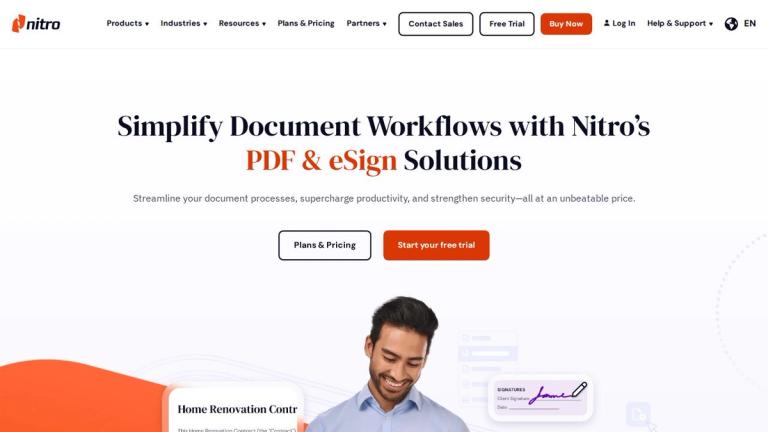
Nitro provides PDF and eSign solutions to streamline document workflows, enhance productivity, and ensure secure signing and editing.
Features
- Comprehensive PDF Editing & Conversion — Create, edit, convert, combine, annotate, and secure PDFs across Windows, Mac, and iOS. Includes OCR capabilities and the ability to merge multiple file types into a single, searchable PDF.
- Secure Electronic Signatures (Nitro Sign) — Legally binding eSignatures compliant with global standards (eIDAS, UETA, E-sign Act). Features include audit trails, identity verification, bulk sending, reminders, and integration with systems like Salesforce and Zapier.
- AI-Powered Automation & Smart Redact — Leverage Nitro AI to automate repetitive tasks, extract data, and gain insights. Smart Redact uses advanced NLP to instantly identify and permanently remove sensitive data with user control.
- Robust Security & Compliance — Enterprise-grade security with features like SSO, advanced ID verification, and compliance with stringent global eSign laws. Includes a dedicated Security & Trust Center for transparency.
- Advanced Analytics & ROI Tracking — Nitro Analytics provides real-time insights and dashboards to make data-driven decisions, track efficiency gains, prove ROI, and monitor sustainability metrics.
- Centralized Workspace & Integrations — Nitro Workspace serves as a central hub for web-based tools, AI, admin settings, and resources. Offers seamless API connectivity and integrations with existing business systems.
Use Cases
Enterprise Document Workflow Automation
Large organizations use Nitro to automate document processes, from contract signing to secure redaction, reducing manual work, accelerating project timelines, and ensuring compliance across departments. Target Audience: Enterprises & Large Teams
Small Business Contract & Form Management
Growing businesses leverage Nitro's affordable PDF and eSign tools to create, send, and sign contracts, design fillable forms, and streamline customer service, saving time and reducing costs. Target Audience: Small Businesses
Professional Document Collaboration & Signing
Individual professionals (lawyers, consultants, freelancers) use Nitro to edit, convert, and securely sign documents on the go, enhancing their brand and client experience with efficient, organized workflows. Target Audience: Individual Professionals
Educational Resource Management & Collaboration
Students and teachers utilize Nitro to manage assignments, collaborate on documents, share resources, and convert files across devices, supporting both classroom and remote learning environments. Target Audience: Students & Teachers
Pros
- Comprehensive all-in-one solution for PDF editing, eSigning, and document automation, reducing the need for multiple software tools.
- AI-powered features like Smart Redact and Nitro AI significantly boost productivity by automating manual, repetitive tasks.
- Legally binding eSignatures with robust compliance (eIDAS, UETA) and detailed audit trails ensure security and legal validity.
- Transparent, competitive pricing with no hidden fees, offering significant cost savings compared to legacy vendors like Adobe.
- Cross-platform compatibility (Windows, Mac, iOS) and a centralized workspace provide flexibility and ease of access.
Cons
- Advanced features and full compliance capabilities may require higher-tier plans, which could be a cost consideration for very small teams or individuals.
- The breadth of features and AI tools might present a learning curve for users seeking only basic PDF editing functionality.
- Some advanced integrations and API usage may require technical setup or IT support, which could be a barrier for non-technical users.
- The free trial period (14 days) may be limited for organizations needing extended time to evaluate complex workflow integrations.