

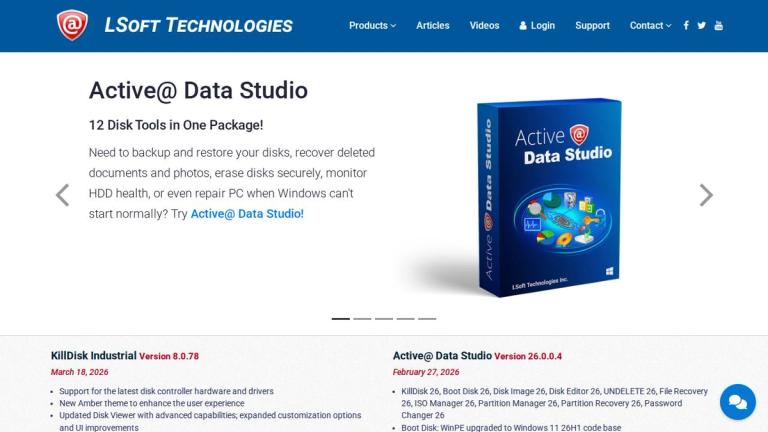
Active@ Disk Image
Active@ Disk Image is a powerful disk imaging and backup software developed by LSoft Technologies, a company specializing in data security, data backup, and data recovery solutions.
This tool allows users to create exact byte-by-byte copies (images) of hard disk drives, SSDs, USB drives, and other storage media. These disk images can be used for backup purposes, system migration, disaster recovery, and data preservation.
Key Capabilities
- Full Disk Imaging: Create complete images of entire hard drives including all partitions, boot records, and file systems
- Partition Imaging: Back up individual partitions separately for more granular control
- Bootable Media Creation: Create bootable recovery media to restore systems even when the OS won't start
- Compression Options: Reduce image file sizes with various compression levels to save storage space
- Scheduling: Automate backup processes with scheduled imaging tasks
Use Cases
Active@ Disk Image is commonly used by IT professionals, system administrators, and home users who need reliable backup and recovery solutions. It supports various file systems including NTFS, FAT, exFAT, HFS+, Ext2/Ext3/Ext4, and more.
Target Audience
IT professionals, system administrators, home users, businesses requiring reliable backup solutions
Key Features
- Full disk and partition imaging
- Bootable recovery media creation
- Image compression with multiple levels
- Scheduled backup automation
- Support for multiple file systems (NTFS, FAT, exFAT, HFS+, Ext2/3/4)
- Image verification and integrity checking
- Raw and compressed image formats
- Support for various storage devices (HDD, SSD, USB)
- Incremental and differential backup support
- Command-line interface for scripting
Use Cases
- System backup and disaster recovery
- Hard drive cloning and migration
- Creating system restore points
- Deploying identical system configurations across multiple machines
- Data preservation before hardware upgrades
- Forensic disk imaging for investigation purposes
- Virtual machine creation from physical disks
Pros
- Creates exact disk replicas for reliable recovery
- Supports wide range of file systems and storage devices
- Bootable media option for emergency recovery
- Compression reduces storage requirements
- Suitable for both personal and professional use
Cons
- Large disk images can require significant storage space
- Full disk imaging process can be time-consuming
- Advanced features may require technical knowledge
Pricing
Available in Free and Professional editions; Professional version offers additional features and commercial licensing


