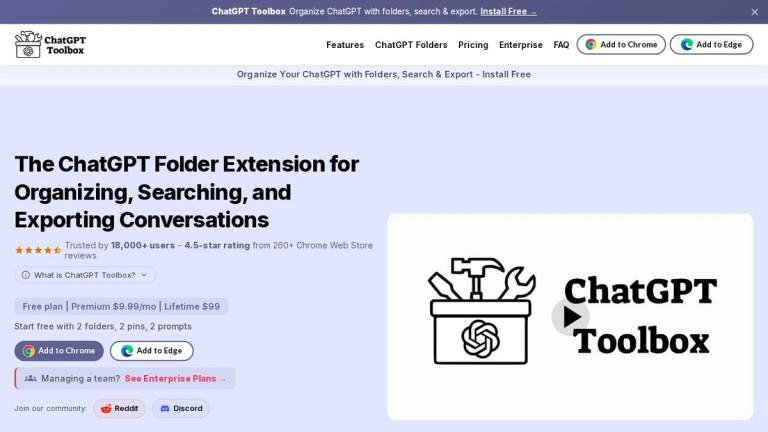
ChatGPT Toolbox
ChatGPT Toolbox is an actively maintained Chrome extension designed to enhance ChatGPT's conversation management capabilities. As of 2026, ChatGPT's native sidebar lacks a proper folder system, making it difficult for users to organize numerous conversations effectively.
This extension injects powerful organizational tools directly into the ChatGPT sidebar without affecting how ChatGPT itself works. All data stays in the user's browser—nothing is transmitted to external servers, ensuring complete privacy.
With over 18,000 users and a verified update history through 2026, ChatGPT Toolbox has become the leading solution in its category, especially after competitors like PinFold were discontinued in early 2025.
Key Capabilities
- Folder System: Create, rename, and manage folders to organize ChatGPT conversations
- Full-Text Search: Search across all message content within conversations
- Bulk Operations: Delete or export multiple conversations at once
- Prompt Chaining: Link up to 10 prompts into sequential chains with placeholders
- Prompt Library: Access hundreds of expert-crafted prompts for various use cases
- Quick Access Shortcuts: Type '//' for prompts or '..' for chains instantly
Target Audience
ChatGPT power users, content creators, marketers, developers, and anyone managing numerous ChatGPT conversations who needs better organization and workflow automation tools.
Key Features
- Folder organization for ChatGPT conversations
- Full-text message search across all chats
- Bulk delete conversations
- Bulk export conversations
- Prompt chaining with up to 10 sequential steps
- Prompt library with expert-crafted prompts
- Custom prompt template creation
- Quick access shortcuts ('//' for prompts, '..' for chains)
- Drag-and-drop step reordering
- Placeholder support for dynamic, reusable chains
Use Cases
- Organizing numerous ChatGPT conversations into logical folders
- Searching through message history to find specific information
- Bulk exporting conversations for backup or documentation
- Creating multi-step prompt workflows for complex tasks
- Accessing pre-built prompts for SEO, marketing, coding, and creative writing
- Managing and archiving old conversations efficiently
Pros
- All data stays local in the browser - no external server transmission
- Actively maintained with regular updates through 2026
- Large user base (18,000+ users) indicating reliability
- Free to install from Chrome Web Store
- Does not alter ChatGPT's core functionality
- Comprehensive feature set covering organization, search, and automation
Cons
- Chrome extension only - not available for other browsers
- Requires Chrome browser to use
- Some features may require ChatGPT Plus subscription for optimal use
Pricing
Free to install from Chrome Web Store