Data Miner
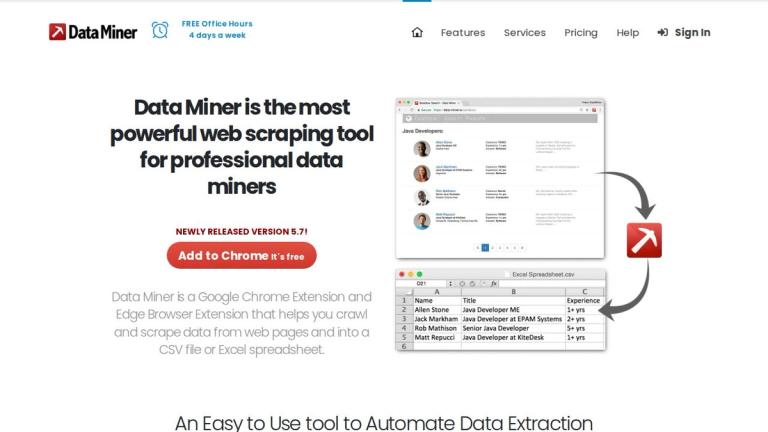
Data Miner is a powerful web scraping tool available as a Google Chrome Extension and Microsoft Edge Browser Extension. It enables users to crawl and extract data from web pages into clean CSV files or Excel spreadsheets with minimal effort.
Overview
With over 60,000 data extraction rules covering 15,000+ popular websites, Data Miner makes web data extraction accessible to both technical and non-technical users. The tool operates directly in your browser, behaving as if you were manually clicking on pages yourself, which helps avoid detection as a bot.
Key Highlights
- One-Click Scraping: Access 50,000+ free pre-made queries for instant data extraction
- No Coding Required: The Easy Finder tool helps locate CSS selectors and create custom recipes
- Privacy Focused: Data Miner never sells or shares user data
- Versatile Extraction: Scrape single pages or crawl multiple pages automatically
- Latest Version 5.7: Continuously updated with new features and improvements
How It Works
Data Miner provides an intuitive user interface for executing advanced data extraction and web crawling tasks. Users can run pre-built extraction rules or create customized rules to get exactly the data they need from any webpage. The tool supports pagination, form filling automation, and can handle pop-ups and sub-pages automatically.
Target Audience
Data miners, researchers, marketers, sales professionals, e-commerce businesses, and anyone needing to extract structured data from websites
Key Features
- One-click scraping with 50,000+ pre-made extraction queries
- Custom scraping with CSS selector finder (Easy Finder tool)
- Automated bulk scraping from URL lists
- Fast table scraping via right-click functionality
- Auto pagination for multi-page crawling
- Form filling automation from pre-filled CSV files
- 60,000+ data extraction rules for 15,000+ websites
- Export to CSV or Microsoft Excel formats
- Chrome and Edge browser compatibility
- Intuitive UI with streamlined workflow
Use Cases
- Extracting search results from search engines
- Scraping product information and pricing data
- Collecting contact information including emails and phone numbers
- Gathering data from multiple paginated pages
- Automating repetitive data collection tasks
- Converting web page tables into structured spreadsheets
- Lead generation and market research data collection
- E-commerce competitor price monitoring
Pros
- Free to install and use with Chrome extension
- No coding skills required - intuitive visual interface
- Not classified as a bot - reduces risk of being blocked
- Strong data privacy commitment - never sells or shares data
- Massive library of 60,000+ pre-built extraction rules
- Supports both Chrome and Edge browsers
- Active support team with free office hours 4 days a week
- Regular updates and improvements (currently v5.7)
Cons
- Limited to Chrome and Edge browsers only
- Advanced features may require learning curve for custom recipes
- Free tier may have usage limitations
Pricing
Free Chrome extension available; likely offers premium plans for advanced features