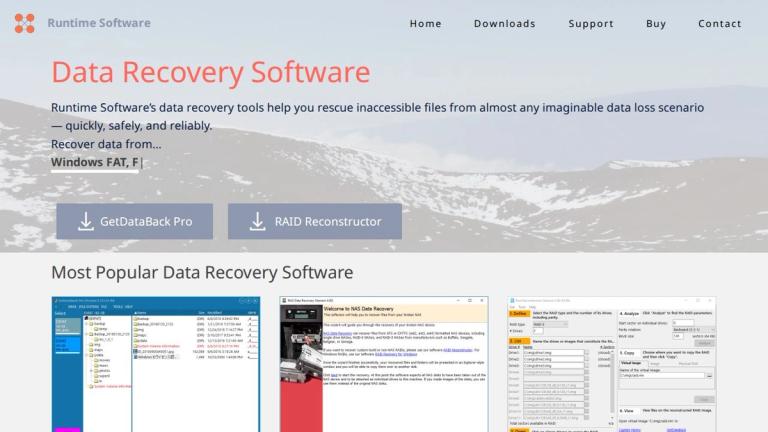
GetDataBack Pro
GetDataBack Pro is the flagship data recovery software developed by Runtime Software, a company specializing in professional data recovery solutions. Designed to rescue inaccessible files from almost any imaginable data loss scenario, GetDataBack Pro combines speed, reliability, and an intuitive interface that works without complex configuration or unnecessary options.
Overview
GetDataBack Pro is engineered to recover data from damaged or corrupted file systems, including NTFS, FAT, EXT, HFS+, and APFS formats. Whether you're dealing with accidental deletion, formatted drives, corrupted partitions, or hardware failures, GetDataBack Pro provides a comprehensive solution for both novice users and IT professionals.
Key Highlights
- Flagship Product: GetDataBack Pro is Runtime Software's most popular and widely-used data recovery tool
- Latest Version: V5.78 (released April 7, 2026) with continuous updates and improvements
- BitLocker Support: Includes specialized guidance for recovering data from BitLocker-encrypted drives
- WinPE Integration: Supports creating bootable recovery environments for situations where the operating system cannot start
- Cross-Platform Recovery: Works with multiple file systems including NTFS, FAT12/16/32, EXT2/3/4, XFS, HFS+, and APFS
Use Cases
GetDataBack Pro is suitable for recovering data from:
- Accidentally deleted files
- Formatted or reformatted drives
- Corrupted file systems
- Virus or malware-damaged data
- Partition loss or corruption
- BitLocker-encrypted drives that have become inaccessible
Target Audience
IT professionals, system administrators, data recovery specialists, and end users who need to recover lost or inaccessible data from damaged storage devices.
Key Features
- Fast and intuitive data recovery interface
- No complex configuration required
- Supports multiple file systems (NTFS, FAT, EXT, HFS+, APFS)
- BitLocker encrypted drive recovery
- WinPE bootable recovery environment support
- Works with damaged or corrupted file systems
- Recovers accidentally deleted files
- Supports formatted drive recovery
- Regular software updates and improvements
- Compatible with various storage devices
Use Cases
- Recovering accidentally deleted files from hard drives
- Restoring data from formatted or corrupted partitions
- Recovering files from virus-damaged storage
- Retrieving data from BitLocker-encrypted drives
- Emergency data recovery when OS fails to boot
- Professional IT data recovery services
- Recovering data after partition loss
- Restoring files from damaged file systems
Pros
- Intuitive interface requiring no complex configuration
- Fast recovery performance
- Supports wide range of file systems
- Regular updates and active development
- BitLocker recovery support
- Bootable recovery environment option
- Trusted by professionals for over 20 years
Cons
- Paid software (not free)
- May require technical knowledge for advanced scenarios
- Recovery success depends on extent of data damage
Pricing
Available for purchase on Runtime Software's website. Free download available for evaluation.