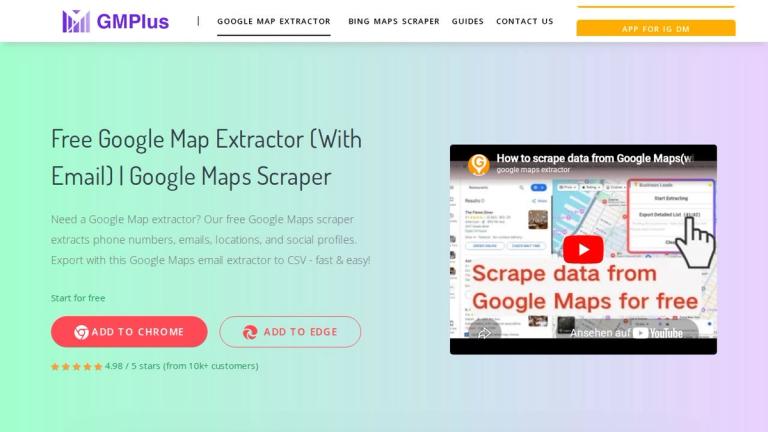
GM Plus - Free Google Map Extractor
GM Plus is a powerful and free Chrome extension designed to help users extract valuable business data directly from Google Maps. With over 10,000 worldwide customers, this tool has facilitated the extraction of 45M+ business leads, 40M+ phone numbers, 4.5M+ contact emails, and 8.5M+ social media profiles.
How It Works
The tool operates as a simple 3-step process:
- Install the Extension - Download and add the extension to Chrome via developer mode
- Search on Google Maps - Navigate to Google Maps and search for your target businesses
- Extract & Export - Click "Start Extracting" and download your data as CSV/Excel
Data Capabilities
GM Plus supports extraction of 18+ data dimensions including:
- Business names and addresses
- Phone numbers and email addresses
- Social media profiles (Facebook, Instagram, LinkedIn, YouTube, etc.)
- Website URLs and domains
- Reviews, ratings, and review counts
- Opening hours and price levels
- Geographic coordinates (latitude/longitude)
- Google-specific identifiers (Place ID, CID, FID, KGMID)
Unique Features
The standout capability of GM Plus is its email extraction technology - it can retrieve email addresses associated with businesses even when they are not directly displayed on Google Maps, setting it apart from other extraction tools.
Target Audience
Sales professionals, marketers, business developers, researchers, real estate agents, and anyone needing to collect business contact information from Google Maps
Key Features
- Extract business data from Google Maps automatically
- Email extraction from web sources (even hidden emails)
- Phone number collection
- Social media profile discovery
- Support for 18+ data dimensions
- Export to CSV/Excel format
- Free to use with no cost
- Simple Chrome extension interface
- Batch data extraction capability
- Detailed business information including reviews and ratings
Use Cases
- Lead generation for sales teams
- Business directory compilation
- Market research and competitor analysis
- Local business outreach campaigns
- Building prospect databases
- Real estate market analysis
- Franchise opportunity research
- B2B sales prospecting
- Marketing campaign targeting
- Business intelligence gathering
Pros
- Completely free to use
- Easy 3-step installation and operation
- Extracts hidden email addresses not visible on Google Maps
- Supports 18+ data dimensions
- Exports to CSV/Excel for easy data management
- Large user base (10k+ customers) validates reliability
- No technical expertise required
Cons
- Requires Chrome browser
- Manual installation via developer mode (not from Chrome Web Store)
- Data accuracy depends on Google Maps listings
- May have rate limits for large-scale extraction
Pricing
Free - The tool is completely free to use