Google Chrome
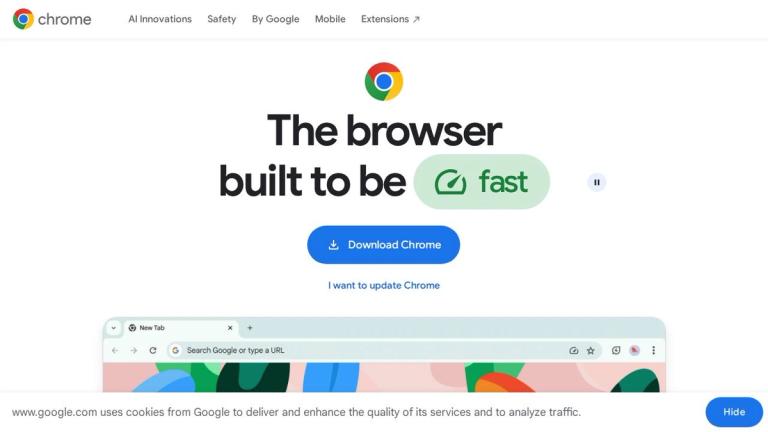
Google Chrome is a free web browser developed by Google, designed to be fast, secure, and highly customizable. As one of the world's most popular browsers, Chrome offers a seamless browsing experience with powerful built-in features including AI-powered search capabilities, advanced security protections, and extensive personalization options.
AI-Powered Browsing
Chrome integrates cutting-edge AI technology directly into the browsing experience:
-
AI Mode: Google's most powerful AI search is built right into Chrome, allowing users to ask complex questions with context from tabs, images, and files. The side-by-side interface keeps AI responses open while browsing source content.
-
Gemini in Chrome: An AI browsing assistant that helps users understand web content and complete tasks using the context of open tabs and browsing history. Features include auto browse capabilities for automated tasks like shopping, reservations, and research.
Security & Privacy
Chrome prioritizes user safety with multiple layers of protection:
- Google Password Manager: Built-in password management that saves, creates, and protects strong passwords across all sites
- Enhanced Safe Browsing: Real-time warnings about malware and phishing attacks
- Safety Check: One-click security assessment of passwords, extensions, and settings
- Privacy Guide: Step-by-step tour of privacy settings for better control over data sharing
Personalization & Productivity
- Customization: Themes, dark mode, and visual options to personalize the browsing experience
- Cross-Device Sync: Seamless access to bookmarks, passwords, and settings across all devices
- Autofill: Quick form completion with saved addresses and payment information
- Extensions: Access to thousands of extensions via the Chrome Web Store for shopping, entertainment, productivity, and more
Integrated Services
- Google Pay: Secure online payments with stored payment information
- Google Lens: Visual search, translation, and identification capabilities directly in the browser
Target Audience
General internet users, professionals, students, and anyone seeking a fast, secure, and feature-rich web browsing experience with integrated AI capabilities.
Key Features
- AI Mode for intelligent search with context from tabs and files
- Gemini AI browsing assistant with auto browse capabilities
- Built-in Google Password Manager
- Enhanced Safe Browsing with malware/phishing protection
- Safety Check for real-time security assessment
- Privacy Guide for managing data sharing settings
- Cross-device synchronization of bookmarks and settings
- Autofill for addresses and payment information
- Chrome Web Store for extensions
- Google Pay integration for secure online payments
- Google Lens for visual search and translation
- Memory Saver mode for optimized performance
- Theme and dark mode customization
Use Cases
- General web browsing and research
- AI-powered search with contextual understanding
- Online shopping with autofill and Google Pay
- Password management and security
- Cross-device productivity and synchronization
- Visual search and translation with Google Lens
- Automated web tasks with Gemini auto browse
- Extension-based workflow customization
Pros
- Free to use with no subscription required
- Fast performance with Memory Saver optimization
- Advanced AI features integrated directly into browser
- Strong security and privacy protections
- Seamless cross-device synchronization
- Vast extension ecosystem via Chrome Web Store
- Regular updates and improvements from Google
Cons
- Auto browse feature requires Google AI Ultra/Pro subscription (U.S. only)
- Can be resource-intensive on older hardware
- Privacy concerns due to Google account integration
- Heavy reliance on Google ecosystem
Pricing
Free to download and use. Advanced AI features like Auto browse require Google AI Ultra or Pro subscription (available in the U.S.).