LogoAI Jet

Introduction

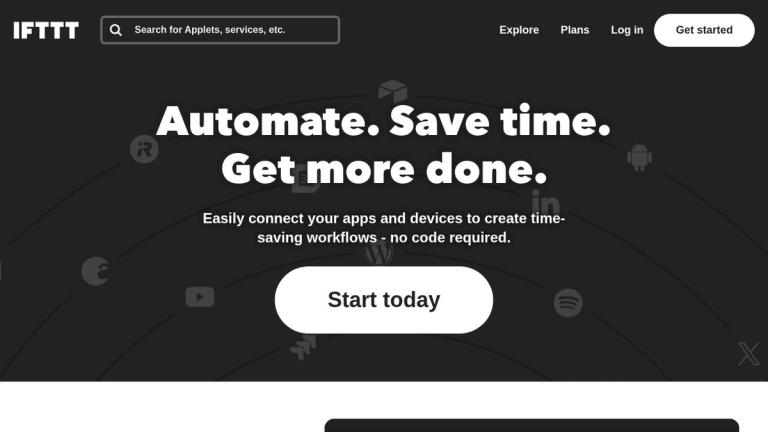
IFTTT (If This Then That) is a web-based service that allows users to create chains of simple conditional statements, called "Applets". An Applet is triggered by changes that occur within other web services such as Gmail, Facebook, Instagram, or Pinterest.

Key Features:

  • Applet Creation: Users can create custom Applets to automate tasks between different services.
  • Service Integration: IFTTT supports integration with a wide range of services, including social media platforms, smart home devices, and productivity tools.
  • No-Code Automation: The platform offers a user-friendly interface that requires no coding knowledge, making it accessible to a broad audience.
  • Pre-built Applets: Users can choose from thousands of pre-built Applets created by other users.
  • Mobile Apps: IFTTT offers mobile apps for iOS and Android, allowing users to manage and monitor their Applets on the go.

Use Cases:

  • Social Media Automation: Automatically post Instagram photos to Twitter or Facebook.
  • Smart Home Control: Turn on lights when you arrive home or adjust the thermostat based on the weather forecast.
  • Productivity Enhancement: Save new articles to a reading list or create calendar events from email reminders.
  • Data Backup: Automatically back up photos and files to cloud storage services.
  • Custom Notifications: Receive notifications for specific events, such as when a new device connects to your network.

Alternatives

  • Zapier

    It offers robust integrations and multi-step workflows, making it a powerful tool for business and personal automation.

  • Make (formerly Integromat)

    This platform provides a highly visual and powerful way to design complex, multi-step automations with extensive app connections.

  • Microsoft Power Automate

    It allows users to create automated workflows between their favorite apps and services, especially strong within the Microsoft ecosystem.

  • Automate.io

    This platform helps connect cloud applications and automate marketing, sales, and business processes with simple drag-and-drop interfaces.

  • Workato

    An enterprise-grade integration and automation platform, it enables businesses to automate complex workflows across various applications.

  • n8n

    As an open-source workflow automation tool, it provides a self-hostable and highly customizable solution for connecting apps and APIs.

  • Tray.io

    This low-code automation platform empowers business users to build sophisticated integrations and automate processes without extensive coding.

  • Apple Shortcuts

    It enables Apple users to create personalized automations and quick actions across their devices and apps.

  • Google Apps Script

    This JavaScript-based platform allows for powerful custom automation and integration within Google Workspace applications.

  • Home Assistant

    It's an open-source home automation platform that prioritizes local control and privacy for smart devices, offering extensive customization.

FAQ

More Products

TinyPNG is Tinify’s browser-based image compressor and converter. This review explains how its web tool differs from its Developer API, what each free allowance covers, and when its compression, conversion, resizing, and cropping features may fit an image workflow.

Zamzar is an online file conversion and compression service for documents, images, video, sound, and other formats. Its free web service has daily file and upload-size limits.

iLoveIMG is a browser-based image service for compression, resizing, cropping, conversion, and editing, with a free Basic plan and paid options.

Smallpdf is an online PDF toolkit for conversion, compression, editing, merging, signing, and more. Its Free plan includes 30+ tools but limits downloads.

Convertio is a browser-based service for converting files between supported formats, with optional settings for many conversion types.

FreeConvert is an online file converter with more than 1,500 listed conversion types and a free allowance of 20 conversion minutes per day.

HiPDF is an online PDF service with conversion, editing, compression, merging, cropping, image tools, and AI features.

123apps is a browser-based suite of video, audio, PDF, and file-conversion tools. Its apps are free to use with limits on file size and daily operations.

ChatPDF summarizes PDFs and answers questions about them. Its free plan allows two document analyses per day, with no account needed to get started.

CloudConvert is a browser-based converter for more than 200 file formats, including documents, images, audio, video, archives, and specialist formats.

OCR.space provides free browser-based OCR for images and PDFs, searchable PDF creation, and a separate API for adding text recognition to software.

Free online itinerary maker with 900+ trip plans across 96 countries. Edit day-by-day in the browser; export to PDF, Excel, CSV, Google Sheets or .ics. Free account required to download/print. Optional Pro adds premium themes; AI chat helps draft plans.

TasteDir is a curated directory of finished, well-crafted software from indie makers and small teams. Every listed tool is reviewed by hand.

An AI meeting copilot that combines live transcripts, screenshots, and project documents to deliver contextual answers, response drafts, and meeting recaps.

Create professional invoices free in your browser: live preview, any currency, tax and discounts, custom templates, and no-watermark PDF. No signup needed.

Vidsembly is an AI video creation platform that turns PowerPoint presentations, PDFs, and documents into narrated videos. Create AI presentations, clone voices, translate slides, transcribe recordings, generate soundtracks, and host videos in one place.