

massCode
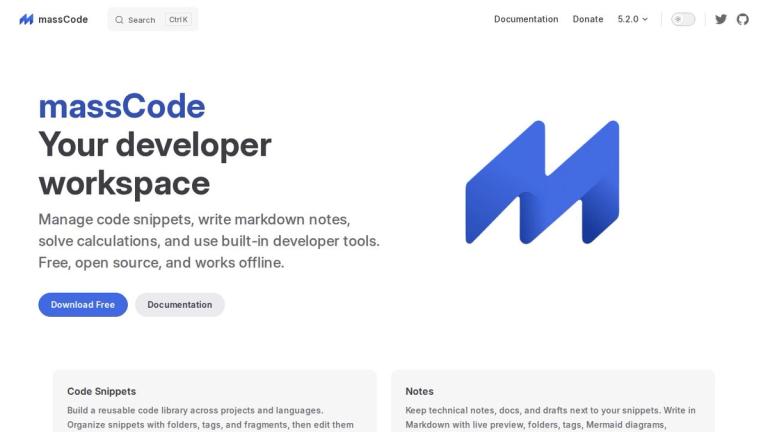
massCode is a comprehensive developer workspace designed to streamline your coding workflow. It combines code snippet management, markdown note-taking, a math notebook, and built-in developer tools into a single, cohesive application.
Core Philosophy
massCode embraces an open and local-first approach. Your notes and snippets are stored as plain Markdown files on your machine, giving you full control over your data. This makes syncing with services like iCloud, Dropbox, or Git simple and portable.
Key Capabilities
Code Snippets
Build a reusable code library across projects and languages. Organize snippets with folders, tags, and fragments, then edit them with CodeMirror, format with Prettier, preview HTML & CSS in real time, inspect JSON visually, and export polished screenshots for sharing.
Notes
Keep technical notes, documentation, and drafts alongside your snippets. Write in Markdown with live preview, create Mermaid diagrams, generate mindmaps from headings, and use fullscreen presentation mode for sharing your work.
Math Notebook
Handle quick calculations without breaking your flow. Natural-language math supports inputs like "time in Tokyo", "density of honey", and financial calculations for currencies, time zones, unit conversion, and date math.
Developer Tools
Convert, encode, hash, and generate data right inside massCode with tools for JSON, Base64, URLs, colors, passwords, UUIDs, and more.
Integrations
Bring your snippet library into tools you already use with VS Code Extension and Raycast Extension support.
Localization
Available in 15 languages including English, Deutsch, Español, Français, Русский, 日本語, and 中文.
Target Audience
Software developers, programmers, and technical professionals who need a unified workspace for code management, documentation, and developer utilities
Key Features
- Code snippet management with folders, tags, and fragments
- CodeMirror editor with Prettier formatting
- Real-time HTML & CSS preview
- JSON visual inspection
- Markdown notes with live preview
- Mermaid diagrams and mindmap generation
- Fullscreen presentation mode
- Natural-language math notebook
- Built-in developer tools (JSON, Base64, URL, color, password, UUID)
- VS Code Extension integration
- Raycast Extension integration
- Local-first data storage as plain Markdown files
- iCloud, Dropbox, and Git sync support
- Available in 15 languages
- Works completely offline
- Free and open source
Use Cases
- Building and organizing reusable code snippet libraries
- Writing and managing technical documentation
- Quick calculations and unit conversions during development
- Converting and encoding data (Base64, URL encoding, etc.)
- Generating passwords, UUIDs, and other developer utilities
- Creating and sharing code screenshots
- Managing project notes alongside code snippets
- Presenting technical content with presentation mode
Pros
- Completely free and open source
- Works offline with local data storage
- Plain Markdown files for easy syncing and portability
- All-in-one developer workspace combining multiple tools
- Available in 15 languages
- Integrates with VS Code and Raycast
- No account or cloud dependency required
Cons
- Desktop application only - no web version
- Requires manual setup for cloud syncing
- May have a learning curve for advanced features
Pricing
Free and open source


