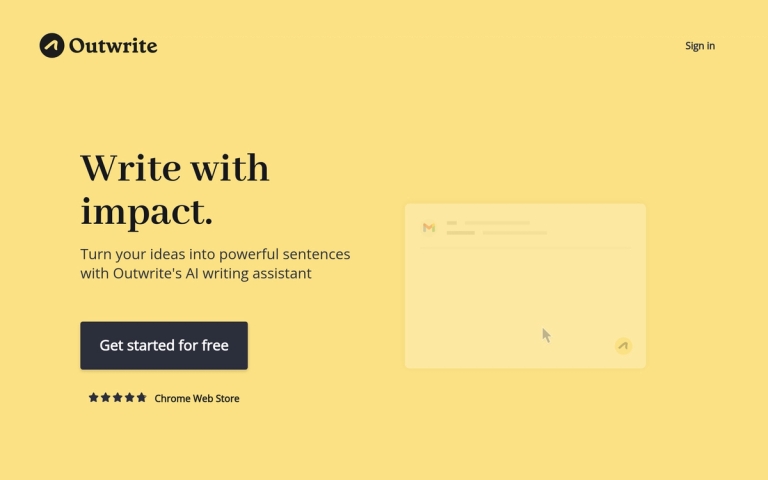
Outwrite - Write with Impact
Outwrite is an AI-powered writing assistant designed to help users transform their ideas into powerful, polished sentences. The tool works seamlessly across popular platforms including Google Docs, Microsoft Word, Outlook, Gmail, LinkedIn, and WordPress through a convenient Chrome extension.
Core Capabilities
Outwrite offers a comprehensive suite of writing enhancement tools:
- Grammar & Spelling: Instantly correct spelling, grammar, and punctuation errors
- Style Improvement: Enhance the style and structure of writing with premium features
- Rewrite Suggestions: Get alternative phrasings to make text more formal, concise, or impactful
- Writing Statistics: Track and monitor your writing performance over time
Platform Integration
One of Outwrite's key strengths is its versatility. The tool integrates directly into the platforms where users already write, eliminating the need to switch between applications. Whether composing emails in Gmail or Outlook, writing documents in Google Docs or MS Word, or publishing content on LinkedIn and WordPress, Outwrite provides real-time suggestions.
Plans
Outwrite offers multiple tiers to accommodate different needs:
- Free Plan: Basic grammar and spelling checks
- Pro Plan: Advanced style and structure improvements
- Teams Plan: Ensures consistent, clear company communications across team members
With a 4.81 rating on the Chrome Web Store, Outwrite has established itself as a trusted writing companion for individuals and teams alike.
Target Audience
Professionals, students, content creators, non-native English speakers, and business teams seeking to improve their written communications
Key Features
- Advanced grammar checking for spelling, grammar, and punctuation errors
- Style and structure improvement suggestions
- Sentence rewriting for formality and clarity
- Writing statistics tracking
- Cross-platform integration (Google Docs, MS Word, Outlook, Gmail, LinkedIn, WordPress)
- Chrome extension support
- Teams collaboration features
Use Cases
- Professional email writing and proofreading
- Academic and business document editing
- Content creation for blogs and social media
- Team communication standardization
- Non-native English speaker writing assistance
- Marketing copy improvement
Pros
- Works across multiple popular platforms
- Free tier available for basic use
- Chrome extension for easy access
- High user ratings (4.81 on Chrome Web Store)
- Team collaboration features for businesses
Cons
- Advanced style features require premium subscription
- Limited to English language
- Requires Chrome browser for extension functionality
Pricing
Free plan available; Pro and Teams plans with additional features (pricing not specified on homepage)