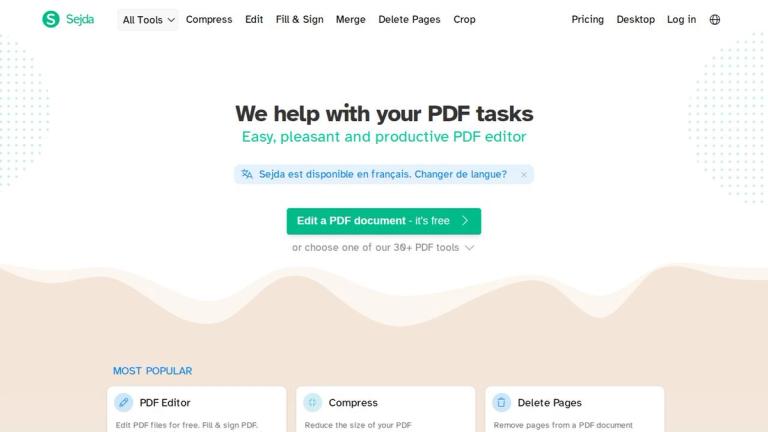
Sejda PDF Desktop
Sejda PDF Desktop is a powerful, all-in-one PDF solution designed to handle virtually any PDF task you might encounter. Built as the desktop counterpart to the popular Sejda.com web service, this application brings professional-grade PDF processing capabilities directly to your computer.
Overview
Sejda PDF Desktop provides a comprehensive suite of tools for working with PDF documents. Whether you need to merge multiple files, split large documents, edit text and images, convert between formats, or secure your files with passwords, Sejda offers an intuitive interface that makes complex PDF tasks accessible to users of all skill levels.
Key Capabilities
The application excels in document manipulation, offering advanced features like:
- Document Assembly: Merge, split, organize, and extract pages from PDFs
- Editing Tools: Add text, images, links, shapes, and annotations
- Form Management: Fill forms, create fillable PDFs, and add digital signatures
- Format Conversion: Convert PDFs to/from Word, Excel, PowerPoint, JPG, and more
- Security Features: Password protection, encryption, watermarking, and flattening
- Optimization: Compress files, resize pages, and optimize for different outputs
- Scan Processing: OCR text recognition and automatic deskewing for scanned documents
Workflow Automation
One of Sejda's standout features is its workflow automation capability, allowing users to chain multiple operations together for batch processing—perfect for repetitive document tasks.
Target Audience
Business professionals, students, legal teams, administrative staff, and anyone who regularly works with PDF documents and needs comprehensive editing, conversion, and management capabilities.
Key Features
- PDF merging and combining multiple documents
- Page splitting by range, bookmarks, size, or text
- PDF editing with text, images, links, and shapes
- Form filling and digital signature support
- PDF compression to reduce file size
- Password protection and encryption
- Format conversion (PDF to/from Word, Excel, PowerPoint, JPG, HTML)
- OCR text recognition for scanned documents
- Automatic deskewing of scanned pages
- Watermarking and Bates numbering
- Page rotation, cropping, and resizing
- Workflow automation for batch processing
- Metadata editing
- Image extraction from PDFs
- Grayscale conversion
- Header and footer management
Use Cases
- Merging multiple PDF reports into a single document
- Splitting large PDF files into smaller, manageable sections
- Editing PDF text and adding annotations for document review
- Converting PDF documents to editable Word or Excel formats
- Compressing PDF files for email attachment or web upload
- Adding password protection to sensitive documents
- Extracting tables from PDF to Excel for data analysis
- Applying watermarks to confidential documents
- Processing scanned documents with OCR for text searchability
- Batch processing multiple PDFs with automated workflows
- Creating fillable PDF forms for data collection
- Adding page numbers and headers/footers to reports
Pros
- Comprehensive all-in-one PDF solution
- Intuitive and user-friendly interface
- Supports wide range of PDF operations
- Desktop application for offline use
- Workflow automation for batch processing
- OCR capability for scanned documents
- Available on multiple platforms
Cons
- Some advanced features may require paid subscription
- Desktop version may have larger file size than web version
- Processing speed depends on document complexity and size
Pricing
Free tier available with limitations; Pro plans offer unlimited access to all features with various subscription options.