

SheetGPT
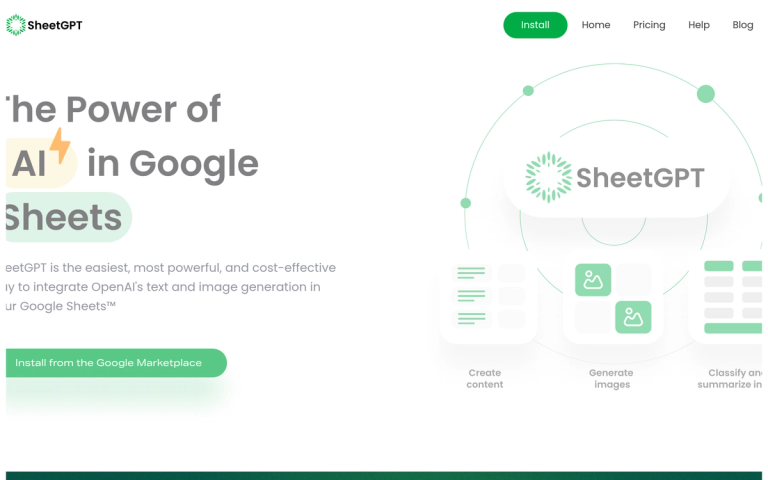
SheetGPT is a powerful Google Sheets add-on that seamlessly integrates OpenAI's text and image generation capabilities directly into your spreadsheets. Designed for ease of use and cost-efficiency, SheetGPT allows users to harness the power of AI without needing API keys or technical expertise.
What is SheetGPT?
SheetGPT brings the capabilities of ChatGPT and other AI models directly into Google Sheets through simple "GPT" functions that can be used in any cell. Whether you're a content creator, digital marketer, researcher, or product manager, SheetGPT transforms your spreadsheet into an AI-powered workspace.
Key Capabilities
- Content Ideation & Creation: Generate lists of content topics and create distinct posts for various channels from a single prompt
- Digital Marketing: Create AdWords keywords, ad copy, Facebook campaign structures, SEO content, and more
- Data Processing: Summarize, categorize, classify, and cleanse large bodies of text including articles, surveys, and social media content
- AI Prototyping: Test and collaborate on AI prompts in a structured environment with long-term results caching
Why Choose SheetGPT?
SheetGPT is incorporated in the US with US-based support and development teams. It offers multi-user support for organizational collaboration, avoids re-queries for cost efficiency, and leverages AI provider relationships for the highest tier performance.
Target Audience
Content creators, digital marketing managers, researchers, students, product managers, and engineers who use Google Sheets for data-oriented workflows
Key Features
- No API keys required - just install and start working
- Easy to use with simple GPT functions in any cell
- Multi-user support for organizational collaboration
- US-based company with US-based support & development teams
- Fast performance with high-tier AI provider relationships
- Cost-efficient with re-query avoidance
- Built for organizations with single plan for all users
- Long-term results caching for prototyping
Use Cases
- Content ideation and creation for social media and blogs
- Research and organization of digital marketing campaigns
- Summarizing, categorizing, and classifying large text bodies
- Testing and collaborating on AI prototypes
- Generating AdWords keywords and ad copy
- Creating Facebook campaign structures and SEO content
- Cleaning and normalizing messy user input
- Building social media content calendars
Pros
- No API keys needed - simple installation process
- Cost-effective way to utilize generative AI
- Multi-user collaboration support
- US-based support and development
- Fast performance through AI provider relationships
- Works directly in Google Sheets - familiar interface
- Long-term results caching
- Organizational pricing model
Cons
- Limited to Google Sheets ecosystem
- Requires Google Workspace account
- Dependent on OpenAI's service availability
Pricing
Available on Google Workspace Marketplace with organizational pricing plans


