Simplenote
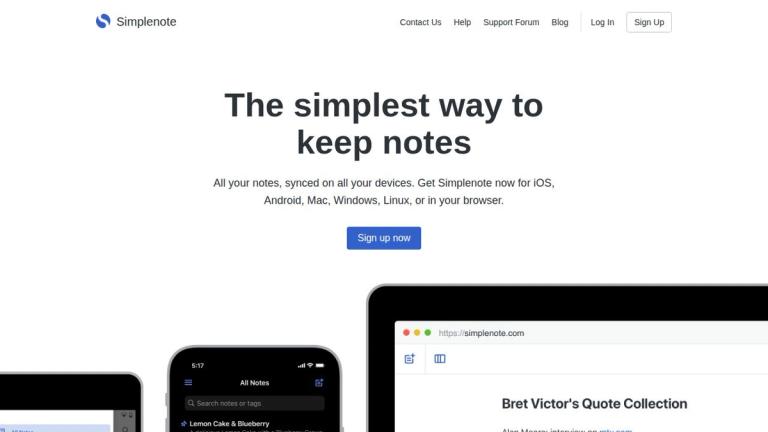
Simplenote is a minimalist, cross-platform note-taking application developed by Automattic (the company behind WordPress.com). As its name suggests, Simplenote focuses on providing the simplest possible note-taking experience while still offering powerful features underneath its clean interface.
The app automatically syncs notes across all your devices in real time — there's no "sync" button because it just works seamlessly in the background. Whether you're on your phone, tablet, desktop, or web browser, your notes are always up to date.
Simplenote supports Markdown for writing, previewing, and publishing notes, making it popular among writers and developers. It also offers collaboration features, allowing users to share to-do lists, post instructions, or publish notes online.
One of Simplenote's standout qualities is that it's completely free — including apps, backups, syncing, and sharing. Every change to a note is backed up, giving users the ability to review their note history from weeks or months ago.
The app has received praise from major tech publications including TechCrunch, MacWorld, and Zapier for its distraction-free environment and cross-platform capabilities.
Target Audience
Users seeking a simple, distraction-free note-taking solution that works across all devices, including writers, developers, students, and anyone who values simplicity over feature complexity.
Key Features
- Automatic real-time sync across all devices
- Tag-based organization with instant search
- Collaboration and note sharing
- Version history with automatic backups
- Markdown support for writing and publishing
- Completely free with no hidden costs
- Available on iOS, Android, Mac, Windows, Linux, and web
Use Cases
- Personal note-taking and journaling
- Creating and sharing to-do lists
- Writing and publishing in Markdown format
- Team collaboration on shared notes and instructions
- Cross-platform note access for remote workers
- Quick capture of ideas across multiple devices
Pros
- Completely free with no premium tier required
- Seamless automatic synchronization across all platforms
- Clean, distraction-free interface
- Reliable version history and backups
- Markdown support for power users
- Lightweight and fast performance
Cons
- Limited formatting options beyond Markdown
- No rich media embedding (images, files)
- Basic feature set compared to competitors like Notion or Evernote
- No offline-first architecture on web version
Pricing
Completely free - all features including apps, backups, syncing, and sharing are available at no cost.