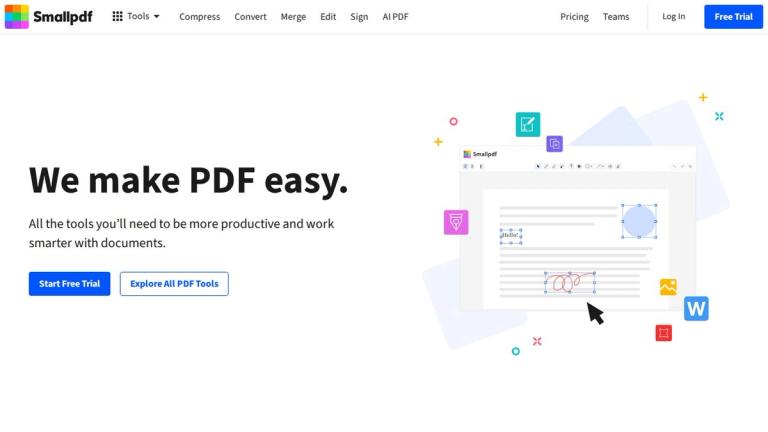
Smallpdf PDF to Excel Converter
Smallpdf PDF to Excel is a specialized conversion tool within the Smallpdf platform that transforms PDF documents into fully editable Excel spreadsheets. As part of Smallpdf's comprehensive suite of 30+ PDF tools, this converter allows users to extract tables, data, and structured information from PDF files and convert them into Microsoft Excel format (.xlsx).
Key Capabilities
The PDF to Excel converter preserves the original formatting and layout of tables found in PDF documents, making it easy to work with data that was previously locked in static PDF format. Users can:
- Upload PDFs directly from their device or cloud storage services
- Convert tables while maintaining cell structure and formatting
- Download Excel files ready for editing, analysis, or further processing
- Access the tool from any device via web browser or mobile app
Part of a Complete PDF Solution
Smallpdf positions itself as "the first and only PDF software you'll love," offering a user-friendly interface for all document management needs. The platform includes tools for compression, merging, splitting, editing, signing, and converting between multiple formats. The PDF to Excel tool integrates seamlessly with other Smallpdf features, allowing users to compress, edit, or convert their files further after extraction.
Accessibility
The tool is available for free with basic functionality, accessible through the web platform at smallpdf.com, and also available via the Smallpdf mobile app for iOS and Android devices.
Target Audience
Business professionals, accountants, data analysts, students, researchers, and anyone who needs to extract tabular data from PDF documents into editable Excel format.
Key Features
- Convert PDF tables to editable Excel spreadsheets
- Preserve original table formatting and cell structure
- Upload from device or cloud storage
- Free basic conversion available
- Works on any device with web browser
- Mobile app support for iOS and Android
- Fast processing and download
- No software installation required
Use Cases
- Extract financial data from PDF reports into Excel for analysis
- Convert invoice PDFs to spreadsheets for accounting
- Transform research data tables from academic papers
- Digitize printed forms and tables for data entry
- Prepare data from PDF documents for database import
- Convert government or official documents with tabular data
- Extract product catalogs or inventory lists from PDFs
Pros
- Free tier available for basic conversions
- No software installation required - works in browser
- Simple drag-and-drop interface
- Part of comprehensive 30+ tool PDF platform
- Mobile app available for on-the-go access
- Fast conversion processing
- Preserves table formatting effectively
Cons
- Free tier has usage limitations
- Complex PDF layouts may require manual adjustments
- Requires internet connection
- Advanced features require paid subscription
Pricing
Free tier available with basic conversions; Smallpdf Pro subscription unlocks unlimited conversions, no ads, and additional features. Team plans available for businesses.