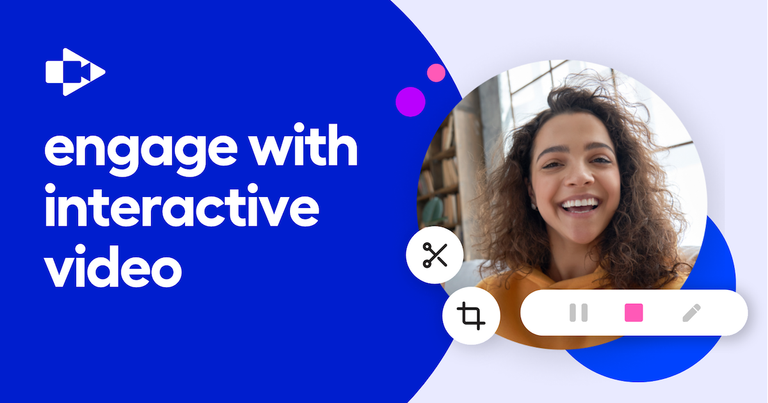
Screencastify is a screen recording and video editing tool that allows users to easily record, edit, and share videos.
Features
- Screen Recording — Easily capture your screen, webcam, or both with Screencastify's intuitive recording tool. Perfect for creating lessons, tutorials, training videos, and sub plans. Works seamlessly on Chromebooks and integrates directly with Google Drive for easy storage and sharing.
- Video Editing — Edit recorded videos directly within Screencastify without needing external software. Trim, cut, and polish your recordings to create professional-quality content. The streamlined editor is designed for educators and professionals who need quick, efficient video editing capabilities.
- Interactive Questions — Transform passive video viewing into active learning by embedding interactive questions directly into video content. Create assessments, measure student understanding, and grade assignments all within the platform. Supports easy workflows for adding questions and tracking responses.
- AI-Powered Assistant — Leverage artificial intelligence to create and share quality videos faster. The AI Assistant automatically generates titles, descriptions, and captions with a single click, saving valuable time and improving content accessibility and discoverability.
- World Languages & Translations — Break language barriers with AI-powered Captions in World Languages that translate video captions into over 50 languages. Make educational content accessible to diverse, multilingual audiences and support inclusive learning environments globally.
- Submit Assignments — Empower students to create and submit video assignments directly through the platform. Collect video submissions, help students practice skills, reflect on learning, build portfolios, and engage in experiential learning with an intuitive submission workflow.
Use Cases
Flipped Classroom Instruction
Teachers record lessons, station rotations, and training videos that students can watch at their own pace. Video enables clearer communication with the ability to pause, rewatch, and use AI-powered translation for accessibility. Ideal for substitute teacher plans and asynchronous learning. Target Audience: K-12 Teachers and Educators
Formative Assessment & Grading
Educators add Interactive Questions to video content to measure and support student understanding. Turn any video into a trackable assignment with built-in grading workflows, enabling data-driven instruction and real-time feedback on student comprehension. Target Audience: Teachers, Instructional Coaches, and School Administrators
Student Video Creation & Portfolios
Students create their own video content to practice skills, demonstrate understanding, reflect on learning, and build digital portfolios. Teachers collect and review video assignments through the Submit feature, fostering creativity and active learning. Target Audience: Students (K-12 and Higher Education)
School & District-Wide Communication
Schools and districts deploy Screencastify organization-wide for creating training videos, professional development content, parent communications, and administrative announcements. Scalable solution with centralized management for technology specialists. Target Audience: School Administrators, District Technology Specialists, and Principals
Pros
- Extremely user-friendly interface praised by educators as 'dead simple' and 'ridiculously easy' — minimal learning curve for teachers and students of all technical levels.
- Chromebook-compatible with seamless Google Drive and YouTube integration, making it ideal for Google Workspace for Education environments used in most schools.
- Robust AI-powered features including automatic caption generation, translations in 50+ languages, and AI-generated metadata that save significant time and improve accessibility.
- Proven scale and trust with over 500 million videos created, 12.4 million users, and presence in 195 countries — a battle-tested platform for education.
- Free tier available with core recording functionality, allowing individual teachers and students to start creating without upfront costs or administrative approval.
Cons
- Browser extension-based tool (Chrome and Edge) may have limitations compared to desktop screen recording software — dependent on browser performance and internet connectivity.
- Full feature set including Interactive Questions, Premium Library, and advanced AI tools likely requires paid subscription, which may strain limited school or district budgets.
- Primarily designed for education use cases, which may limit its appeal or feature depth for professional business use cases like sales enablement, marketing, or engineering documentation.
- Video editing capabilities are streamlined and may lack advanced editing features (multi-track editing, effects, transitions) found in dedicated video editing software like Camtasia or Adobe Premiere.