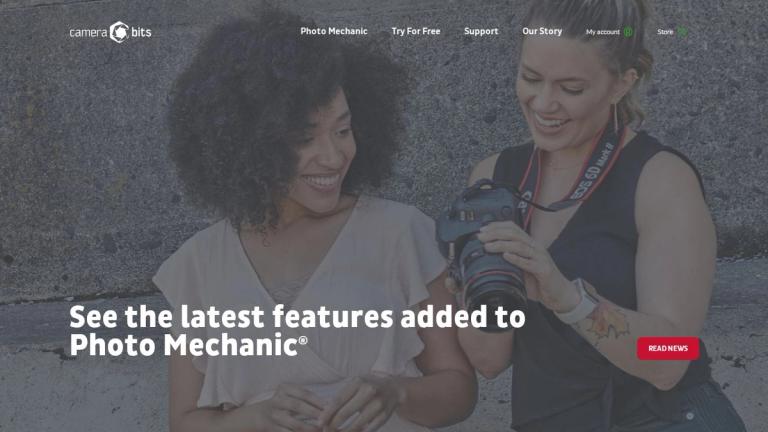
Photo Mechanic
Photo Mechanic is a professional-grade photo management software developed by Camera Bits, Inc. Designed specifically for photographers who work under demanding deadlines, it provides lightning-fast tools for ingesting, culling, organizing, and exporting digital photos.
Overview
From the moment you put down your camera, your post-processing workflow begins. Photo Mechanic is trusted by the most productive photographers in the world to make managing photos faster and easier. The software allows users to quickly ingest photos from memory cards and pick their best shots without waiting for rendering delays.
Core Capabilities
Photo Mechanic was originally created for photographers working under the world's most extreme deadlines. It enables users to add crucial metadata—such as captions, keywords, and copyright information—to images as quickly as possible. With powerful export features, photographers can deliver their images to clients and publications efficiently.
Who Uses It?
The software is widely used by:
- News photographers covering breaking stories
- Sports photographers capturing fast-paced events
- Commercial and portrait photographers managing large volumes
- Documentary photographers working on long-term projects
Professional testimonials highlight how Photo Mechanic has transformed workflows, with features like Code Replacements automating processes that previously took days or weeks.
Target Audience
Professional photographers, photojournalists, sports photographers, commercial photographers, and anyone managing large volumes of digital photos under tight deadlines.
Key Features
- Fast photo ingestion from memory cards
- Rapid culling, rating, and organizing tools
- Caption, keyword, and copyright metadata embedding
- Code Replacements for workflow automation
- Compatibility with other post-processing tools
- Powerful batch export capabilities
- High-speed image viewing and previewing
Use Cases
- News and press photography workflow management
- Sports photography event coverage
- Commercial and portrait photography organization
- Documentary photography project management
- High-volume photo culling and selection
- Metadata tagging for copyright protection
- Batch photo export and delivery
Pros
- Industry-leading speed for photo ingestion and viewing
- Trusted by professional photographers worldwide
- Powerful automation features like Code Replacements
- Seamless integration with other editing tools
- Essential metadata tools for copyright protection
- Proven track record in deadline-driven environments
Cons
- Primarily focused on workflow management rather than photo editing
- May require learning curve for advanced features
- Paid software (though free trial available)
Pricing
Commercial software with free trial available. Specific pricing details available on the official website.