

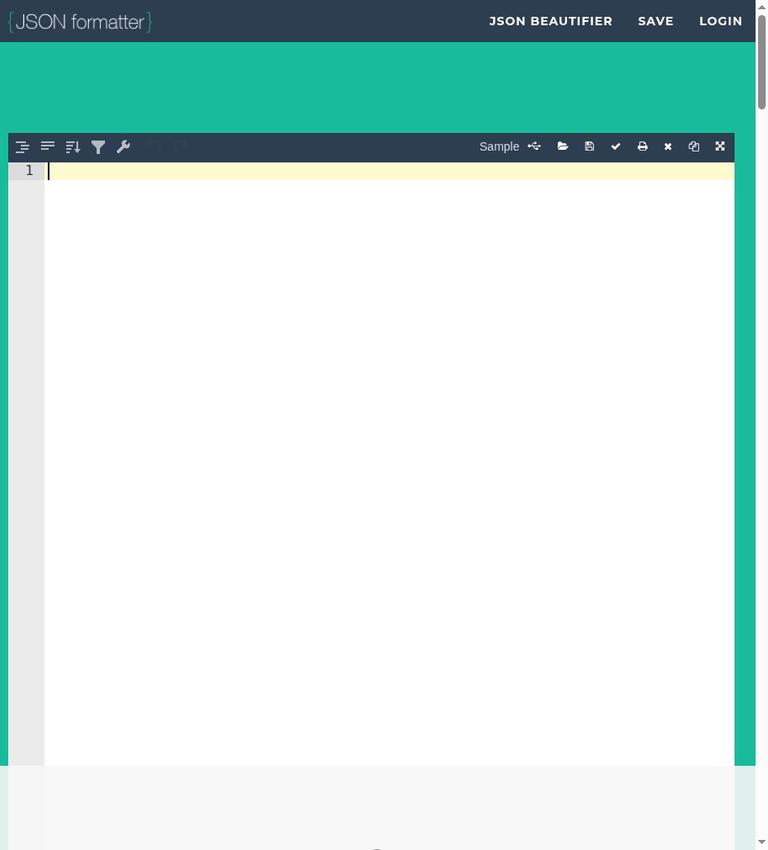
What JSONFormatter.org does
JSONFormatter.org is a free, browser-based tool for formatting and validating JSON. You can paste text or open a file, then make the data easier to read, check whether its syntax is valid, view it as a tree, or minify it. The core formatter and validator require no account and cost nothing.
That makes the tool useful for routine work with JSON: cleaning up a compact response, spotting a syntax mistake, or preparing readable text to download. It is not a general-purpose data-quality checker. A successful syntax check confirms valid JSON structure, not API requirements, correct values, or application behavior.
The distinction matters. JSONFormatter.org can help answer “Is this valid JSON?” It cannot, on the facts available, answer “Does this meet my organization’s requirements?” For that, you need the relevant schema, application, or business-rule checks as well.
Key features
Format and beautify
Formatting, also called beautifying, changes compact JSON into a more readable layout. Indentation separates nested levels, making it easier to scan objects and arrays and to follow where one section ends and another begins. JSONFormatter.org lets you choose two-, three-, or four-space indentation. Pick the setting that matches your team’s conventions or the surrounding file; the choice affects presentation, not the data’s meaning.
Formatting is particularly handy when a response arrives as one long line. Readable layout can make a misplaced comma or an unexpected nesting level easier to notice. It does not change the tool’s role: use the result as a clearer view of the data, not as proof that the data is correct for its intended purpose.
Validate syntax and show errors
The validator checks JSON syntax and reports syntax errors with line messages. This gives you a starting point when a file fails to parse. A line reference helps direct attention to a location, although the underlying mistake can sometimes affect how later text is interpreted. Read the surrounding lines rather than assuming the first reported location tells the whole story.
JSON has strict syntax. It uses double quotes for strings and property names; comments and trailing commas are not allowed. A document that looks familiar from a programming language or configuration format can still be invalid JSON if it uses one of those features. The validator checks syntax, not a separate schema or set of business rules.
Explore a tree view
The tree view presents structured data as a hierarchy. It can be more comfortable than scanning a long block of text when you want to follow nested sections. Use it to inspect organization and relationships, then return to the formatted text when you need to edit or copy the document. The tree view is a way to explore the same data, not a separate validation standard.
Minify and download
Minifying removes formatting whitespace to make the JSON compact. That can be useful when a destination expects compact text or when you want a smaller-looking representation for copying. Minified text is harder for people to inspect, so keep a readable version when you need to troubleshoot or review changes.
You can also download the formatted result. That gives you a file to use outside the browser rather than relying only on copied text. Check the downloaded content before using it in a project, particularly if the original contained sensitive information or if the destination has requirements beyond valid syntax.
How to use JSONFormatter.org
- Choose the input. Paste JSON into the browser tool or open a file. For a quick check, use a non-sensitive sample or a file that is appropriate to handle in your browser.
- Format the text. Select two-, three-, or four-space indentation according to your preferred layout. Formatting is useful when compact text is difficult to read; it is not necessary if you only need a syntax check.
- Inspect the structure. Use the tree view to follow nested data. Compare it with the formatted text if you need to see the exact punctuation and line arrangement.
- Validate the syntax. Run validation and review any reported error and line message. Look for strict JSON issues such as single-quoted strings, comments, or trailing commas. Correct the source and validate again.
- Choose the output. Keep the readable version for inspection, minify when compact text is useful, or download the result for use elsewhere. Confirm that the output suits the receiving application.
- Handle saved data deliberately. The last formatted JSON is retained in browser local storage. If you use a shared machine, clear that storage when appropriate. Saving or sharing a link is a separate action: without login, a saved link is public. Do not use public saving for private material.
This sequence keeps the tool’s jobs distinct: formatting improves readability, validation checks syntax, and downloading or saving moves the data into another context. None of those steps substitutes for checking application-specific requirements.
Pricing and free access
The core JSONFormatter.org formatter and validator are free at $0. There is no signup requirement for formatting or validating, and no paid formatter plan or credit purchase is required for those core tasks. Open the formatter, paste non-sensitive JSON, and use the core tools without a credit balance or subscription.
The practical limit is functional rather than credit-based: the tool checks JSON syntax and offers formatting, tree viewing, minifying, and downloading. It does not validate business rules or API correctness. If you need schema validation or application-level testing, plan to use a suitable separate checker or your development environment. That is a different need, not a reason to buy a formatter plan.
Real limits to understand
Valid syntax is not valid data for every purpose
A JSON document can be syntactically valid while still having the wrong property names, missing required values, or values that violate an application’s expectations. Those rules belong to your application or schema. If an API, product, or internal process specifies a schema, compare the document with that specification or use a validator designed for it.
It is not a general code or configuration parser
JSON’s strict syntax excludes comments and trailing commas and requires double quotes. If your input is actually another format that resembles JSON, a JSON validator may correctly reject it. Do not treat rejection as proof that the source is unusable; first confirm what format the source is meant to follow.
Browser storage and public links need attention
The last formatted JSON is retained in browser local storage. That is convenient if you return to the same browser, but it also means the data can remain on a shared machine until storage is cleared. Saving and sharing introduce a different privacy issue: saved content without login becomes public. Avoid placing credentials, tokens, customer records, or other sensitive data in the tool, and never save private material as a public link.
For sensitive work, use an offline editor instead. For ordinary non-sensitive formatting, the browser tool’s direct workflow is straightforward, but account-free access should not be confused with private link sharing.
Privacy and data handling
The homepage says validation happens in the browser. The last formatted JSON is kept in browser local storage. These details are important when deciding whether the tool is appropriate for a particular document: browser-based processing does not mean that every later action has the same privacy behavior.
In particular, saving or sharing is not the same as formatting. A saved link made without login is public; login is required for private saved links. Do not save confidential data to a public link. Do not enter credentials, access tokens, customer records, or similarly sensitive material. For such information, choose an offline editor and follow your organization’s data-handling rules.
On a shared computer, clear local storage when you are finished if the retained content should not remain available to the next user. If you only need to inspect non-sensitive JSON, the browser-based formatter can be convenient. Make the privacy decision based on the data and the action you plan to take, not only on whether an account is required.
Who should use it, and who should not
JSONFormatter.org is a good fit for someone who needs a quick, free way to make JSON readable, check syntax, inspect a tree, minify text, or download a formatted file. It is especially practical for occasional tasks because formatting and validation do not require signup. The indentation choices and line messages also help when reviewing a document with another person or tracking down a basic syntax mistake.
It is a weaker fit when the data is sensitive, when you need a private saved link without logging in, or when the task requires schema and business-rule validation. It is also not the right tool for input that is intended to be a different format with comments or trailing commas. In those situations, use an offline editor or a checker built for the actual format and rules.
Alternatives
Developers who already work in a local editor may prefer VS Code’s local formatting for files they do not want to put into a browser workflow. JSONLint is another alternative for JSON syntax checking. The command-line tool jq is another option for working with JSON. These alternatives suit different workflows; choose based on whether you want a browser-based formatter, local editing, or command-line processing.
Practical advice
Treat JSONFormatter.org as a focused utility rather than a complete development environment. Start with a copy of non-sensitive input, format it for readability, and run the syntax check. When a line message appears, inspect nearby punctuation and the structure above it. Common strict-syntax problems include quote style, comments, and trailing commas.
After syntax passes, check the document against the requirements that matter to its destination. If an API expects a certain shape or a service requires specific values, use its schema or tests; formatting alone cannot answer those questions. Before downloading or copying, decide whether you need the readable or minified version. Before saving, remember that a no-login saved link is public. These small choices prevent a useful formatting step from being mistaken for a privacy control or a complete correctness check.
FAQ
Is JSONFormatter.org free?
Yes. Formatting and validation are free at $0, with no signup needed for those core tasks.
Does JSONFormatter.org check JSON syntax?
Yes. It validates syntax and reports errors with line messages, but it does not check business rules or API correctness.
What indentation options are available?
You can format JSON with two-, three-, or four-space indentation.
Is saved JSON private without an account?
No. A saved link made without login is public. Login is needed for private saved links.
Does JSONFormatter.org retain data in the browser?
Yes. The last formatted JSON is retained in browser local storage. Clear storage on a shared machine when appropriate.
Can I use it for credentials or customer records?
No. Do not enter credentials, tokens, or customer records. Use an offline editor for sensitive data.


